Show a wishlist in Google, or keep it out
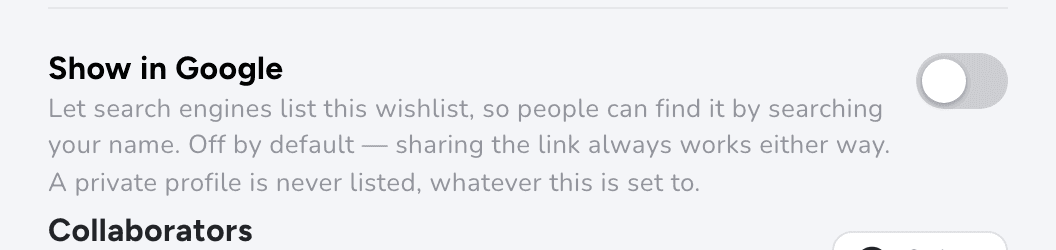
Each public list has a "Show in Google" switch, which is off unless you turn it on. Friends Only and Private lists never appear in search engines.
How to do it
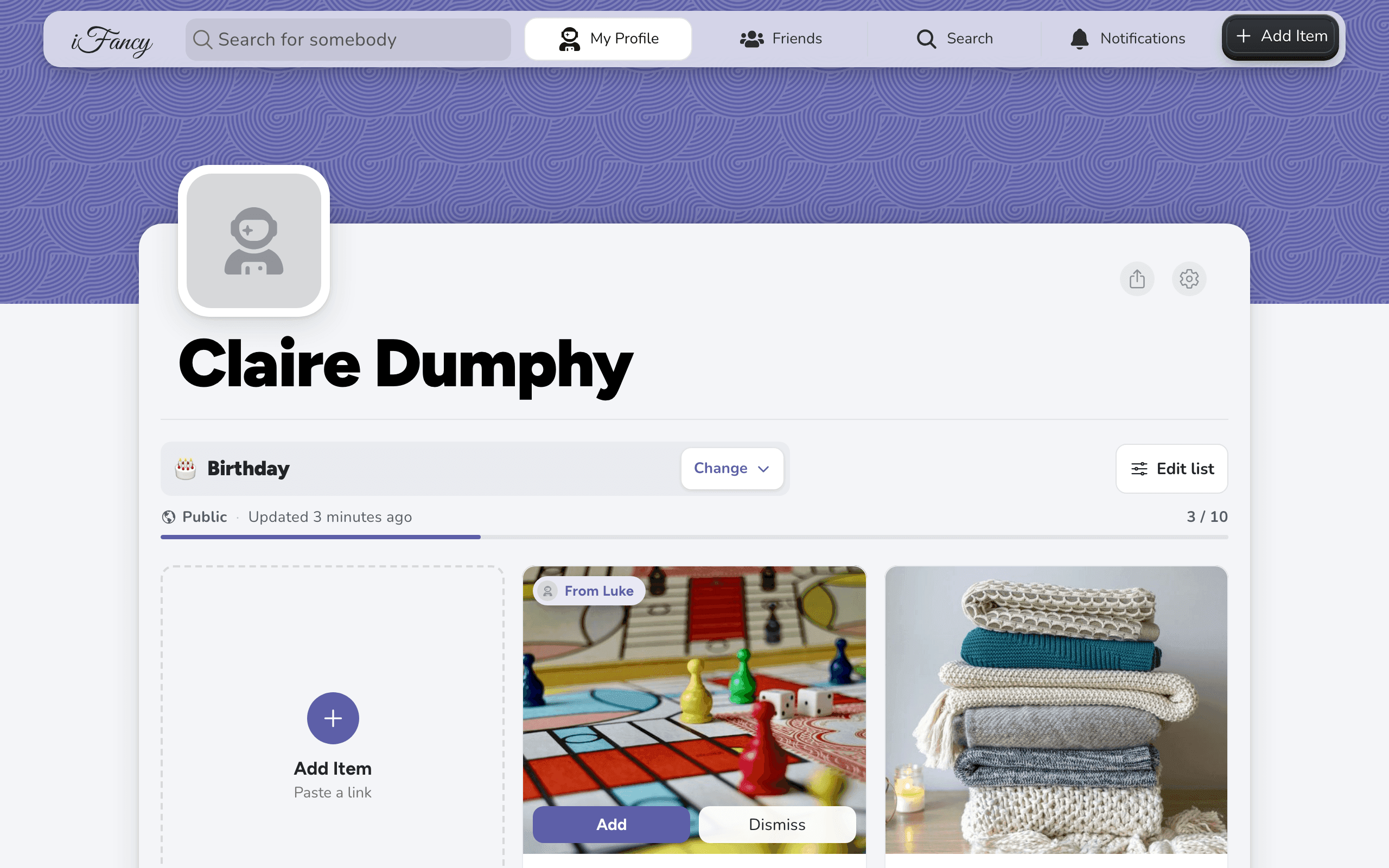
On your profile, open the list, then click Edit list and Rename & privacy.
Turn Show in Google on or off, then click Save.
The switch only works on a Public list. It's greyed out otherwise.
On your profile, open the list, then tap the sliders button at the end of its name and Rename & privacy.
Turn Show in Google on or off, then tap Save.
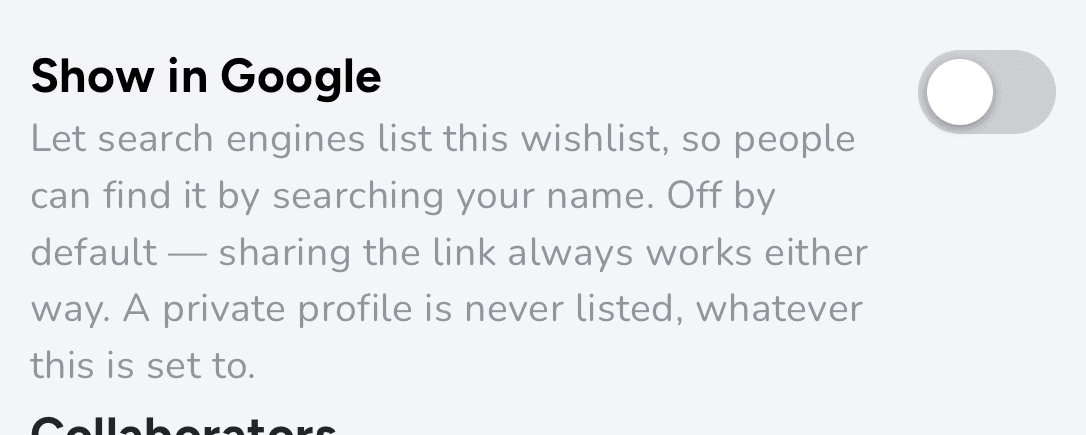
With it off, your link still works for anyone you send it to, unless your profile is private. Search engines just don't list the page. If you turn on Private Profile in Settings, none of your lists appear in search engines, whatever this switch says.
Good to know: Search engines can take days or weeks to notice the change, in either direction.