Make a list public, friends-only or private
Each list has its own visibility. Public lists open for anyone with the link, Friends Only lists for signed-in people who follow you, and Private lists only for you and anyone you share them with. A private profile limits all three to people who follow you.
How to do it
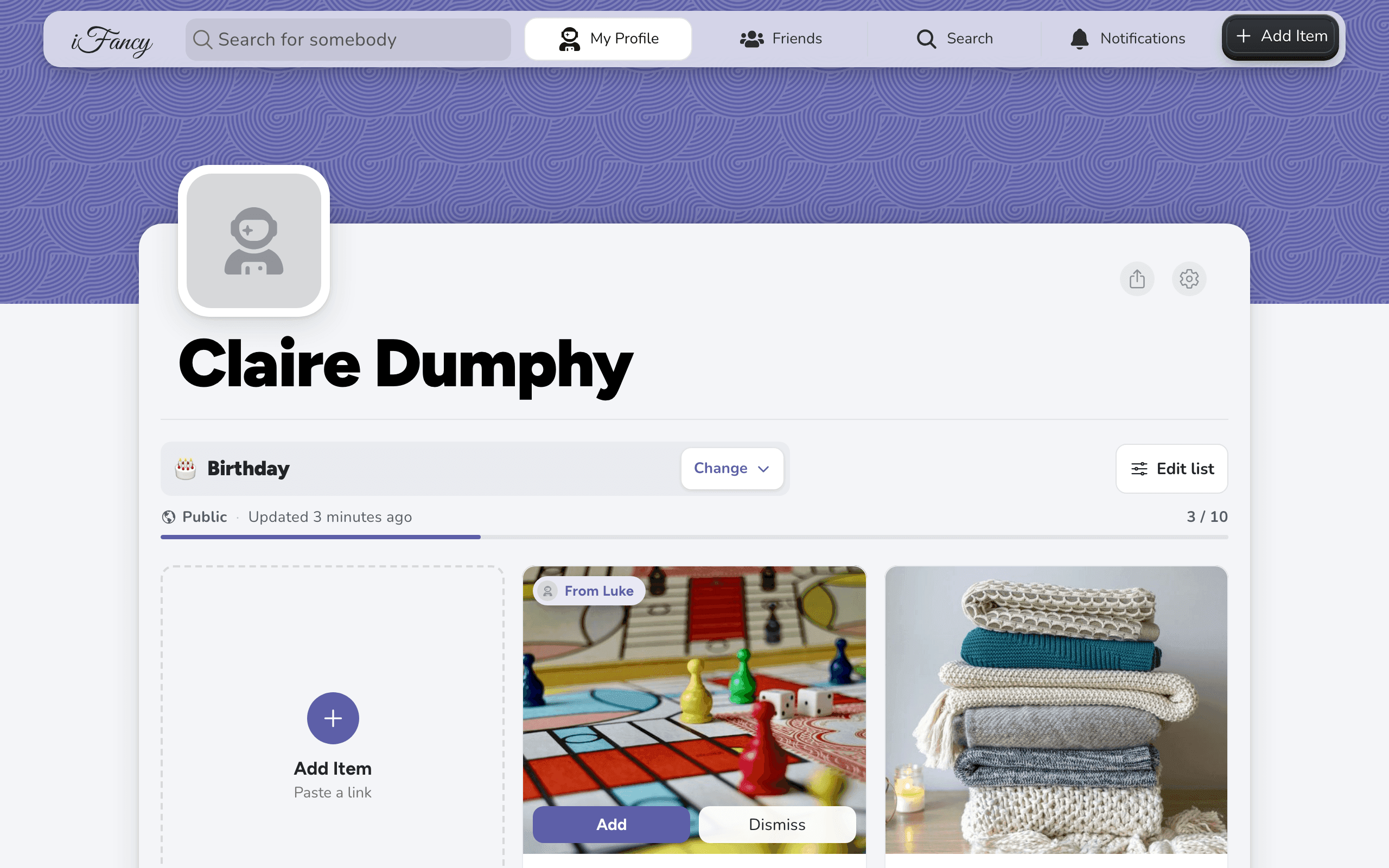
On your profile, open the list (click its name, marked Change).
Click Edit list, then Rename & privacy.
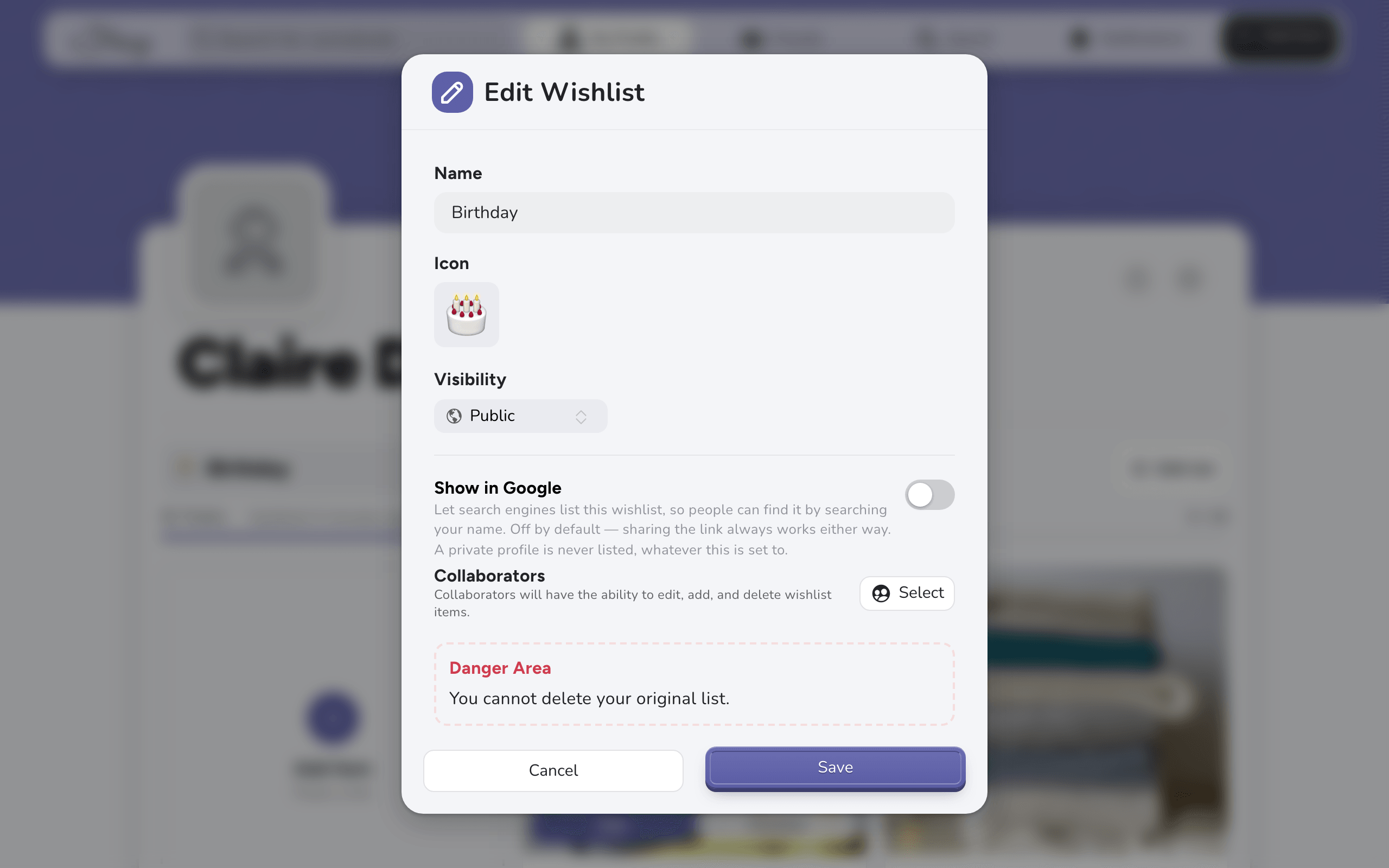
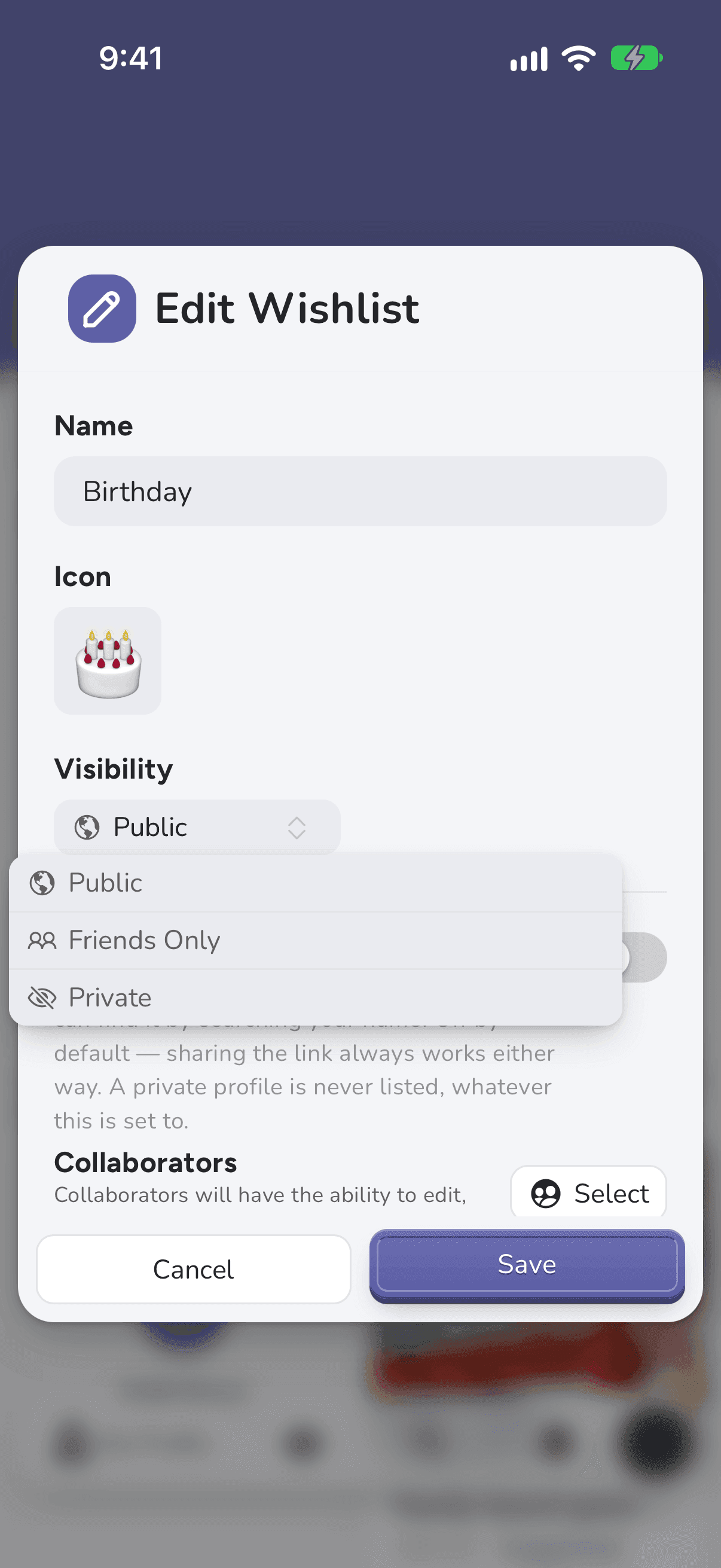
Under Visibility, choose Public, Friends Only or Private, then click Save.
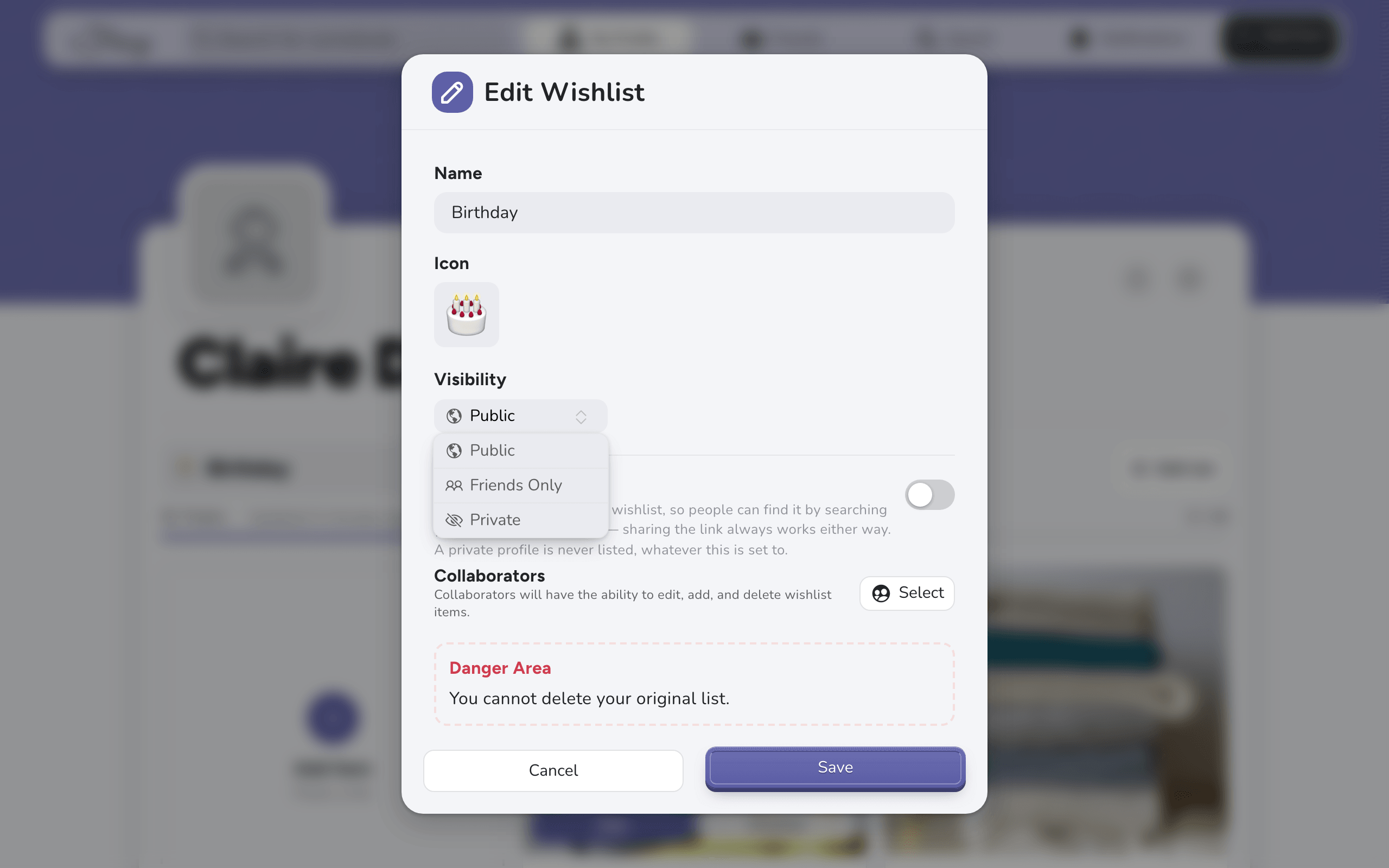
On your profile, open the list (tap its name, marked Change).
Tap the sliders button at the end of the list's name, then Rename & privacy.
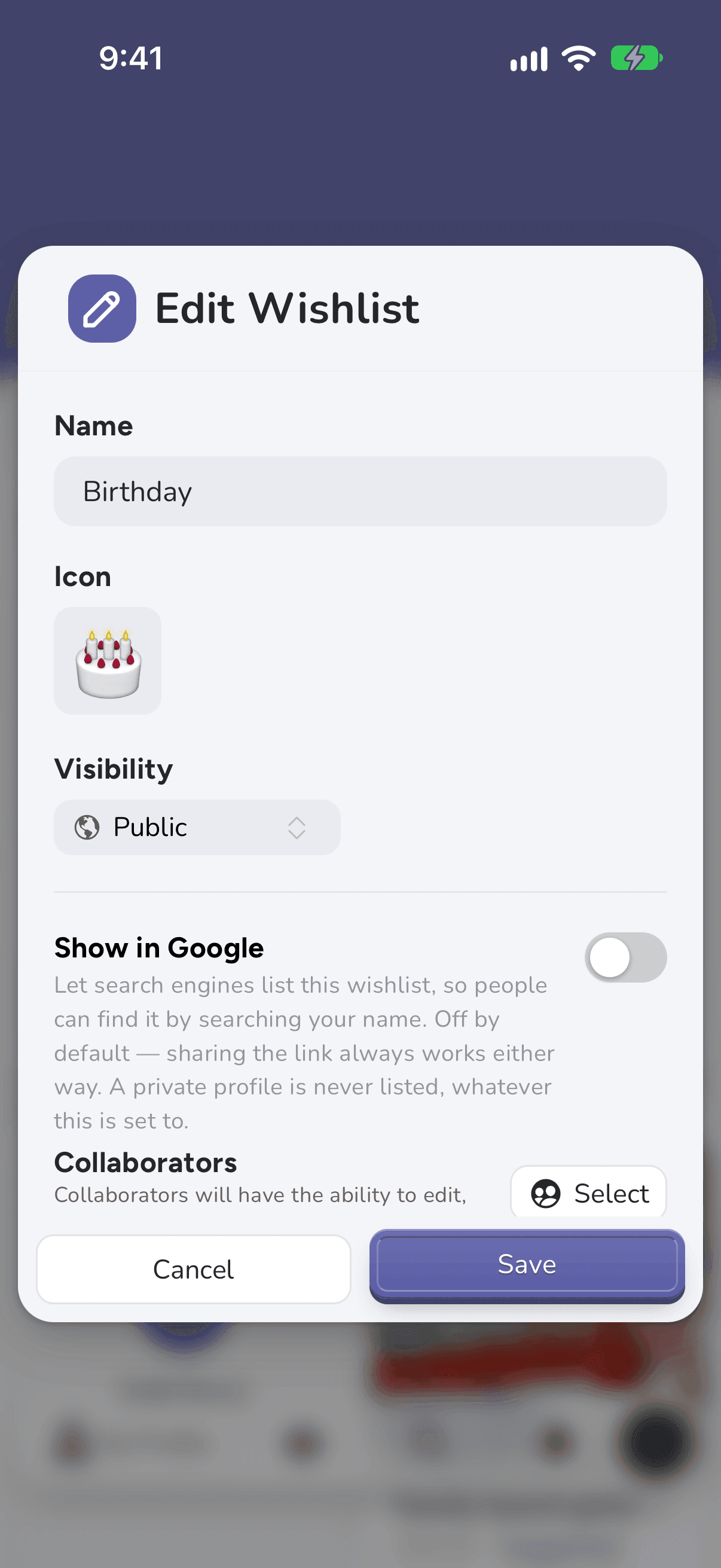
Under Visibility, choose Public, Friends Only or Private, then tap Save.
What each one means
- Public: anyone with the link can open it, signed in or not, unless your profile is private.
- Friends Only: people who follow you can open it when they're signed in.
- Private: only you, and anyone you've built the list with.
Good to know: Private Profile, in Settings, overrides all three for everyone else: even a Public list then shows only to people who follow you, and never in search engines.