Undo "Mark as purchased"
Updated Works onWebiPhone
If you marked something by mistake, or changed your mind, open the item and un-mark it. Only the person who marked it can do that.
Un-marking puts the item back on the list as available, for everyone.
How to do it
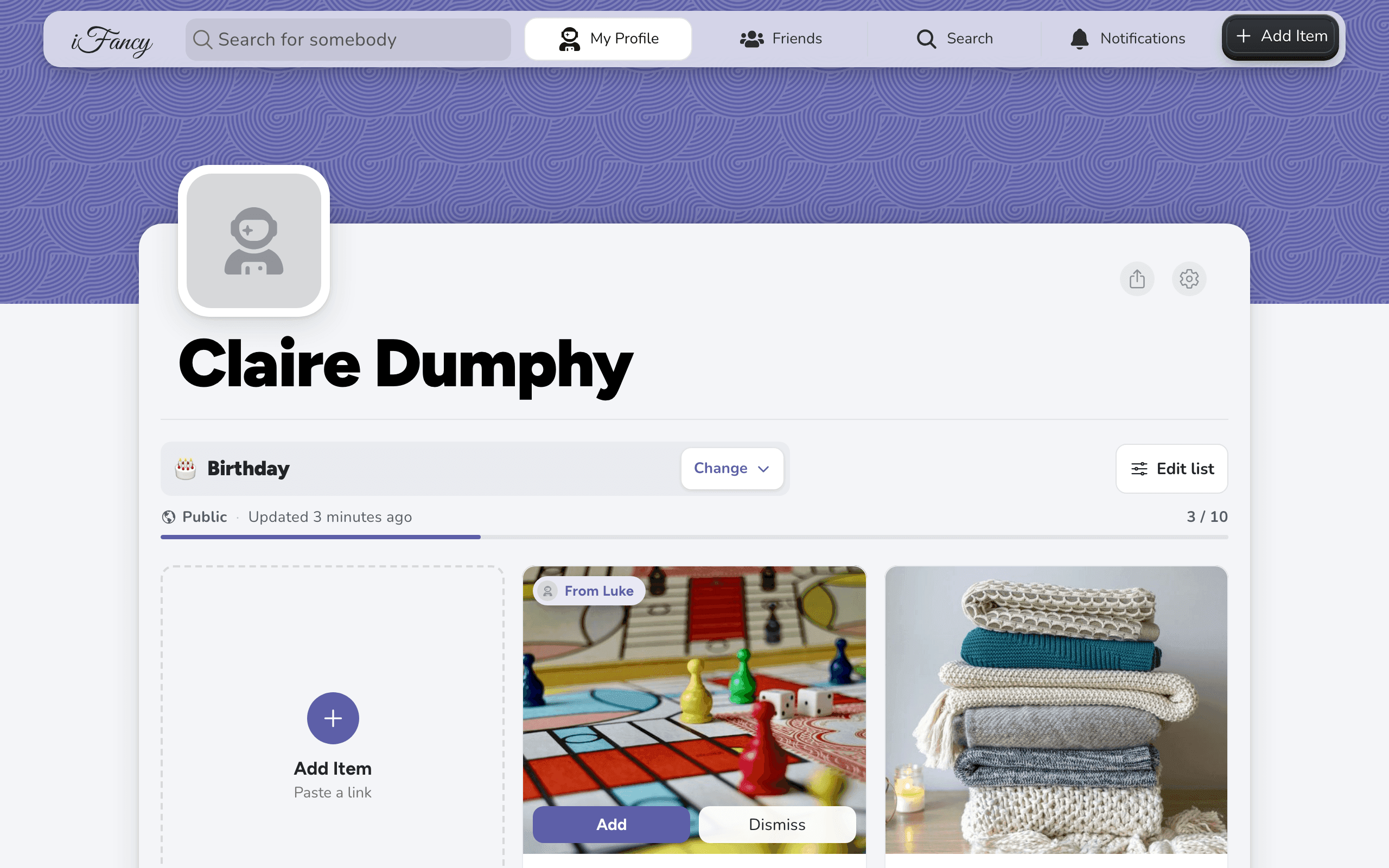
Open the person's profile. Items that are bought sit at the end of their list.
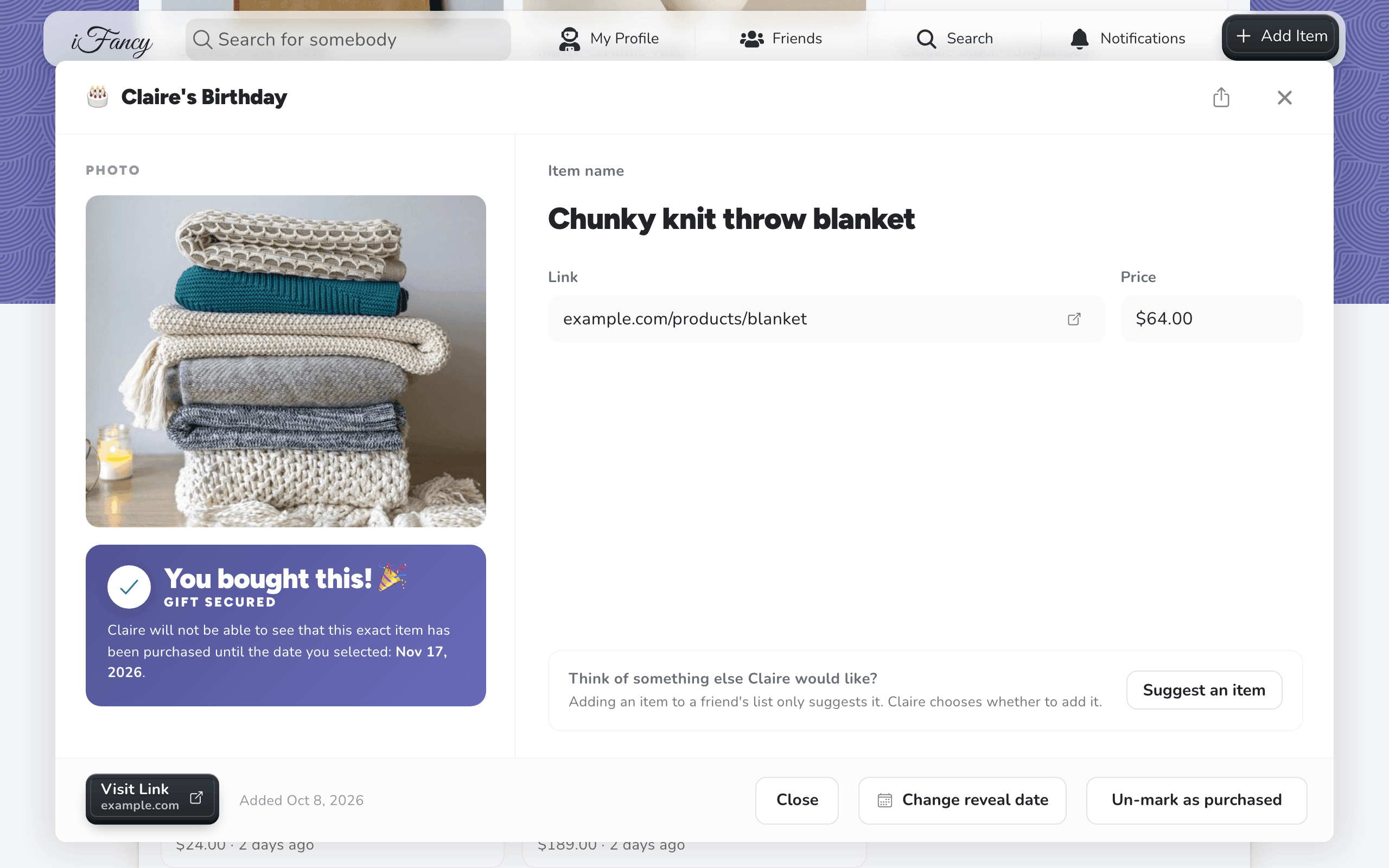
Click the item you marked, then click Un-mark as purchased.
Tap Friends at the bottom, then the person's name. Items that are bought sit at the end of their list.
Tap the item you marked, then tap Un-mark as purchased.
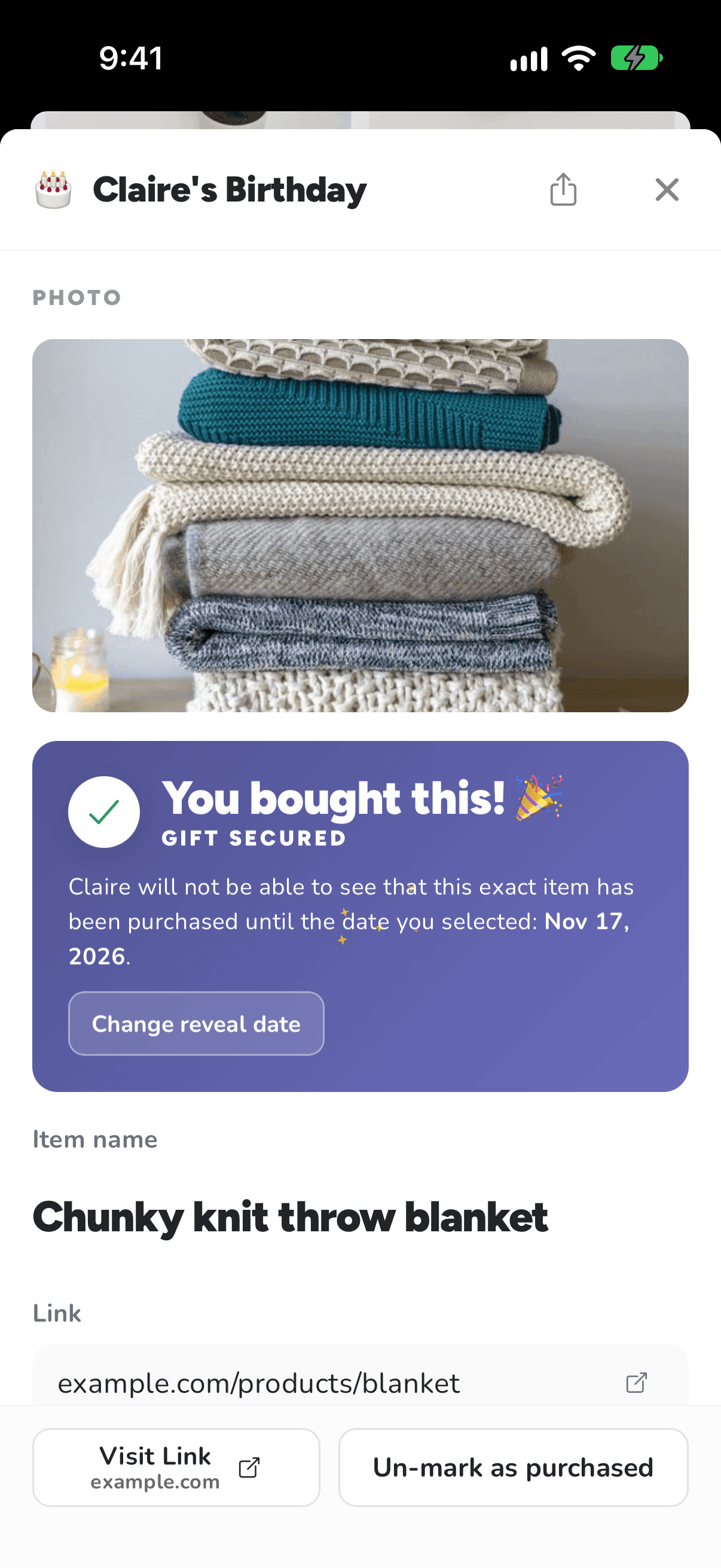
Tip: Only want to move the reveal date? Use Change reveal date in the same place instead.
Related articles
Was this helpful?