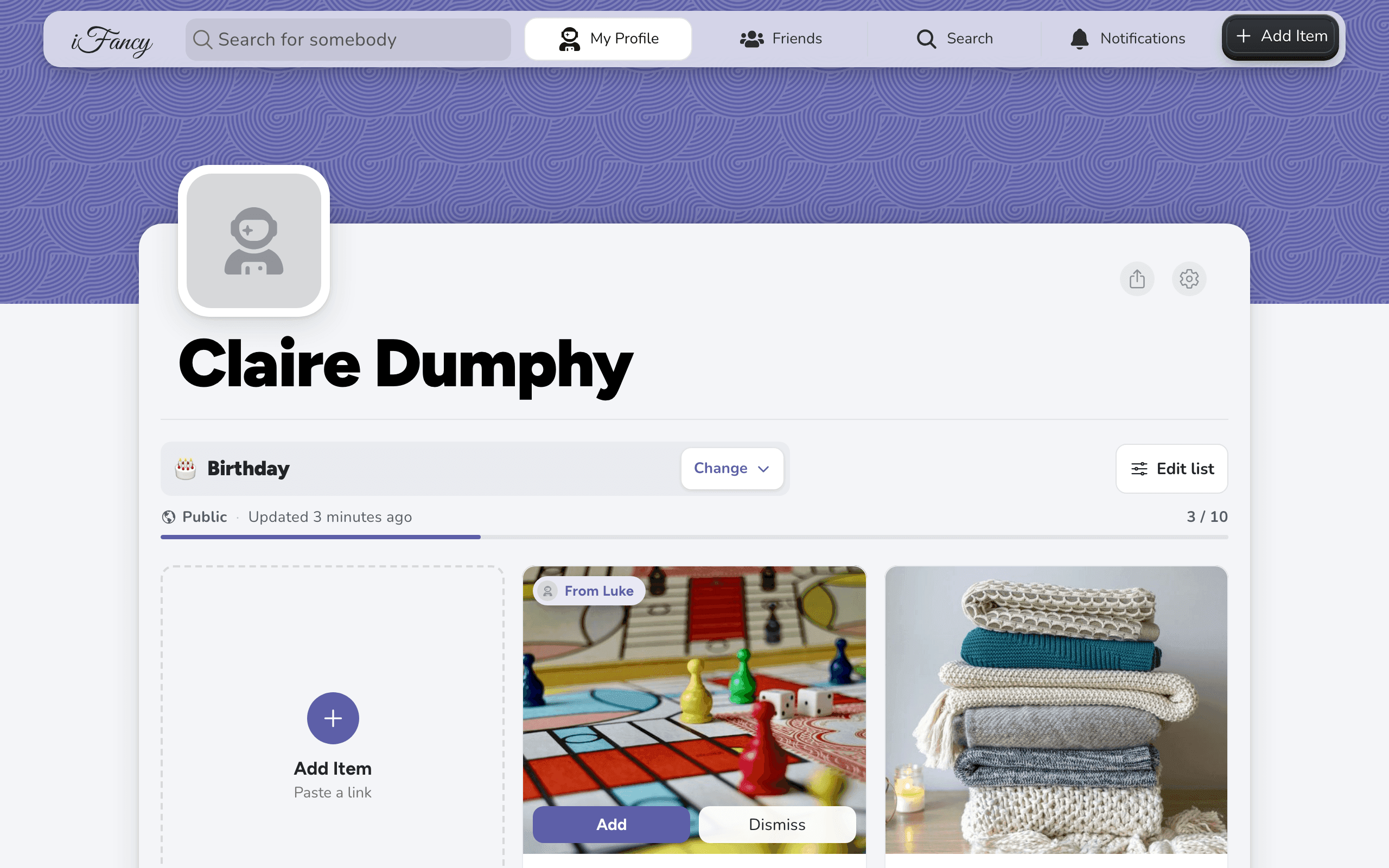
Follow friends and family
Search for someone and add them as a friend to see their public and Friends Only lists. When you both add each other you're mutual friends, which you need to build a list together.
How to do it
Type their name in Search for somebody at the top, and open their profile.
Click Add Friend.

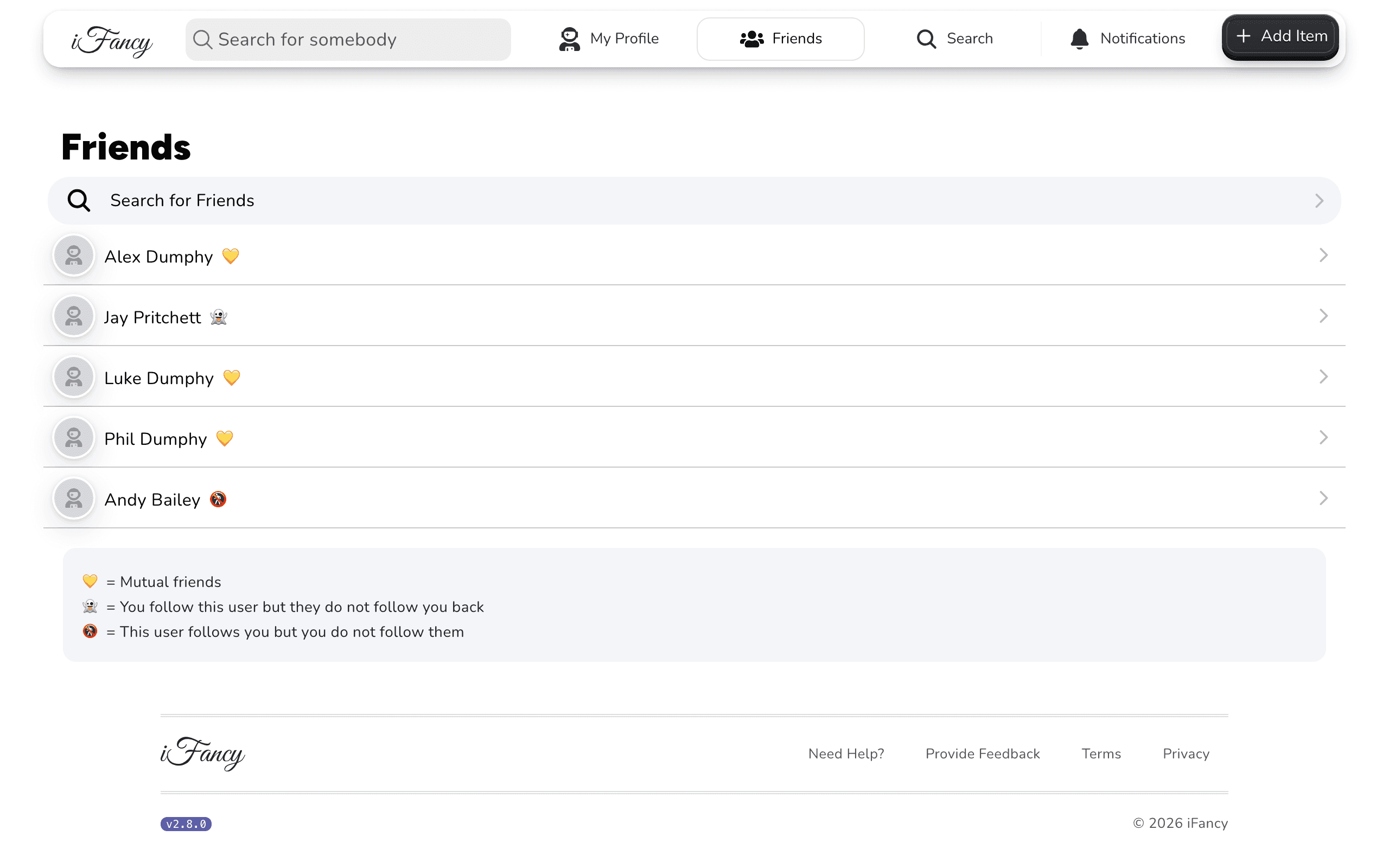
They're now on your Friends page. The marker next to each name shows who follows whom.
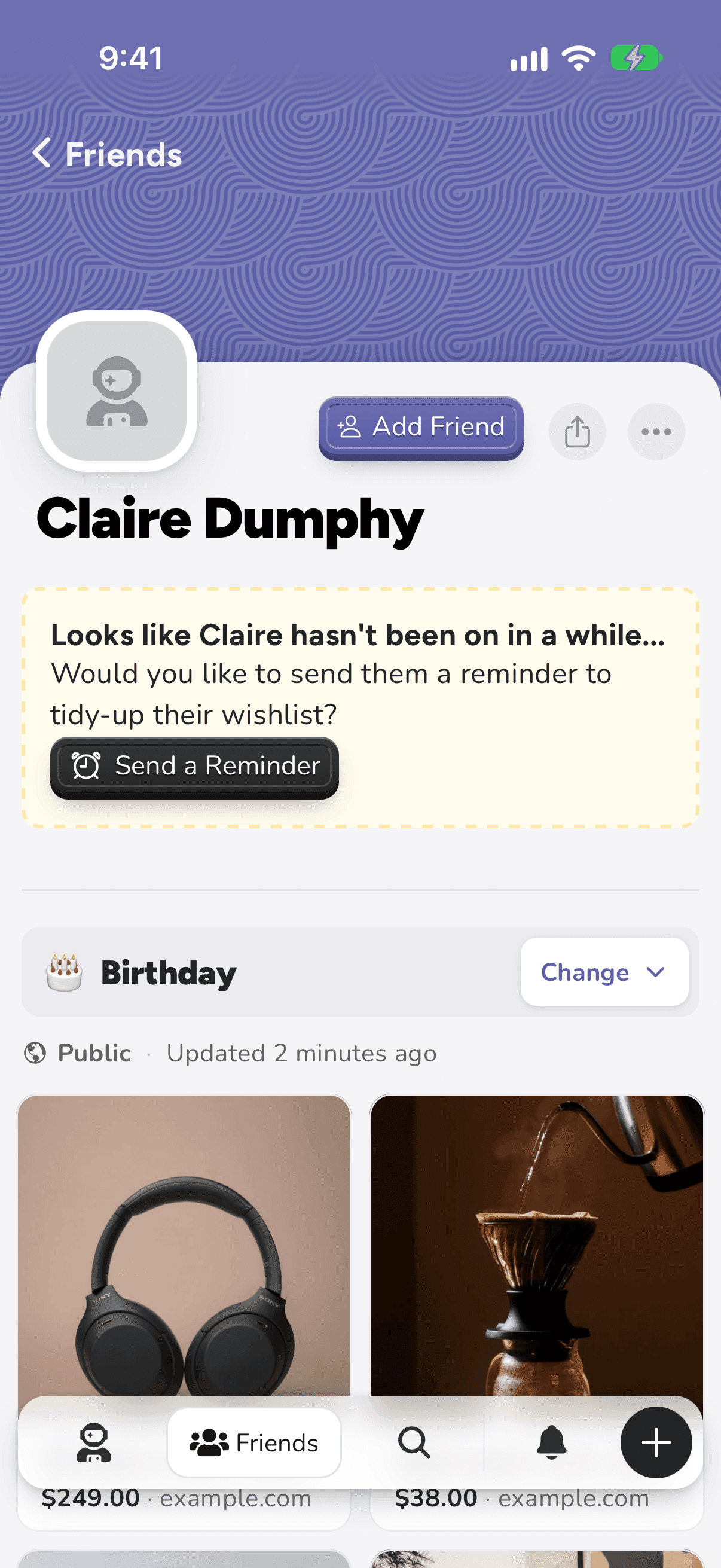
Tap Search at the bottom (the magnifying glass), type their name, and open their profile.
Tap Add Friend.
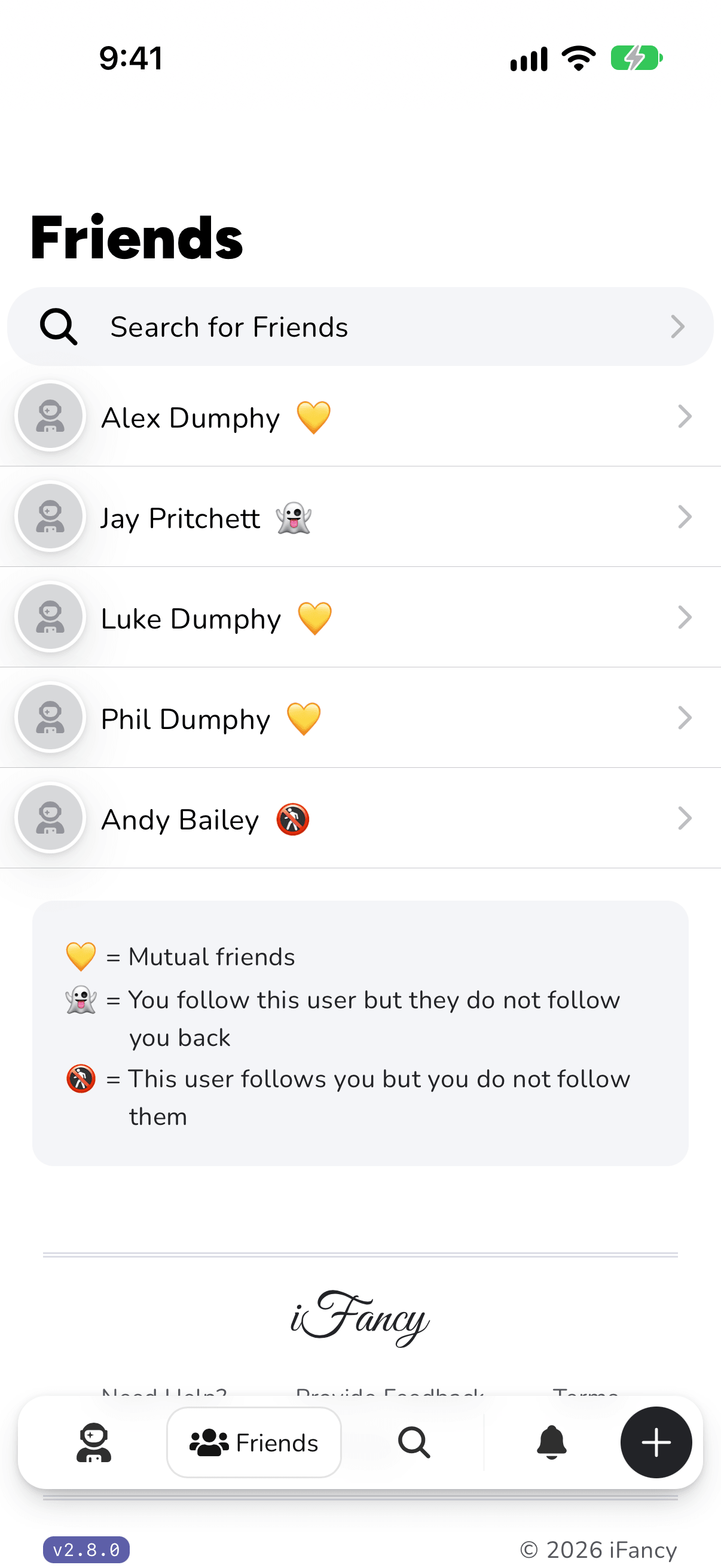
They're now under Friends at the bottom (the people icon). The marker next to each name shows who follows whom.
What the markers mean
One of these shows next to each person in Friends.
- 💛
- Mutual friendsYou follow each other, so you can build lists together.
- 👻
- You follow themThey don’t follow you back.
- 🚷
- They follow youYou don’t follow them back.
Adding someone is one-way: they don't have to add you back for you to see their public and Friends Only lists. You're mutual friends when you've both added each other. To stop following someone, open their profile, then the ⋯ menu, and choose Remove Friend.