Delete your account
Go to Settings and choose Delete Account. It happens straight away and can't be undone.
How to do it
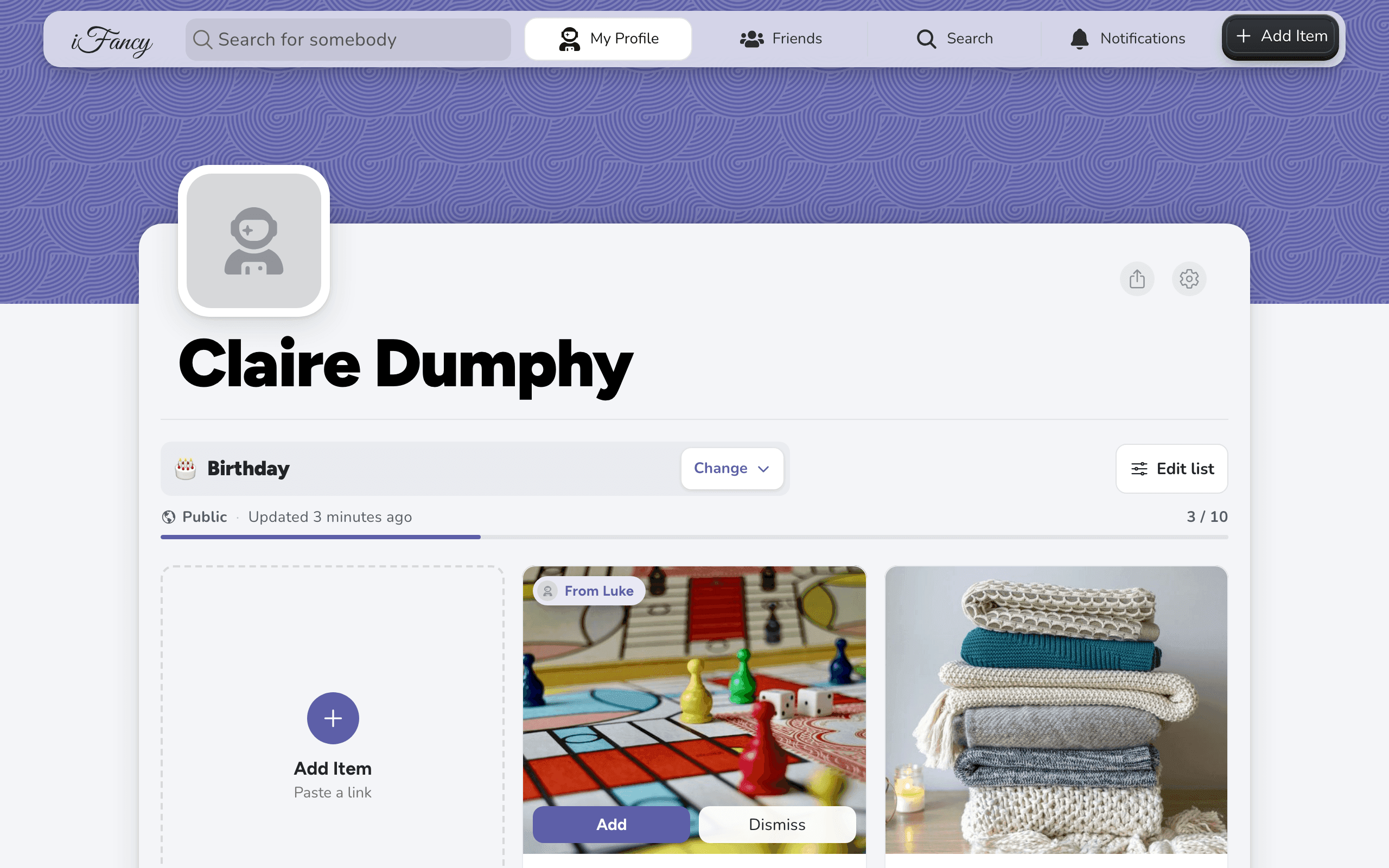
On your profile, click the settings gear, then More Settings.
Under Danger Zone, click Delete Account.

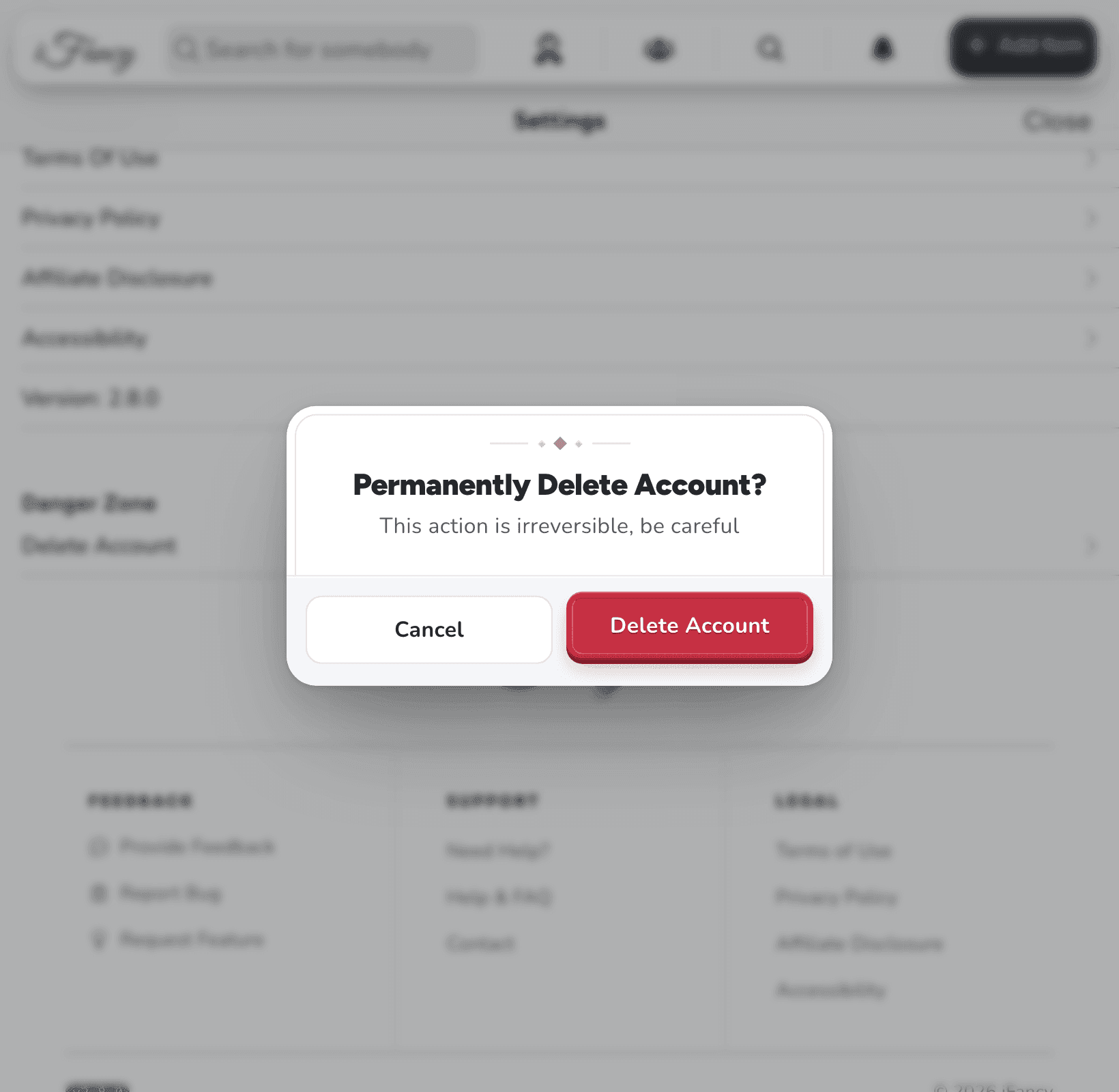
Read the warning, then click Delete Account to confirm.
On your profile, tap the settings gear, then More Settings.
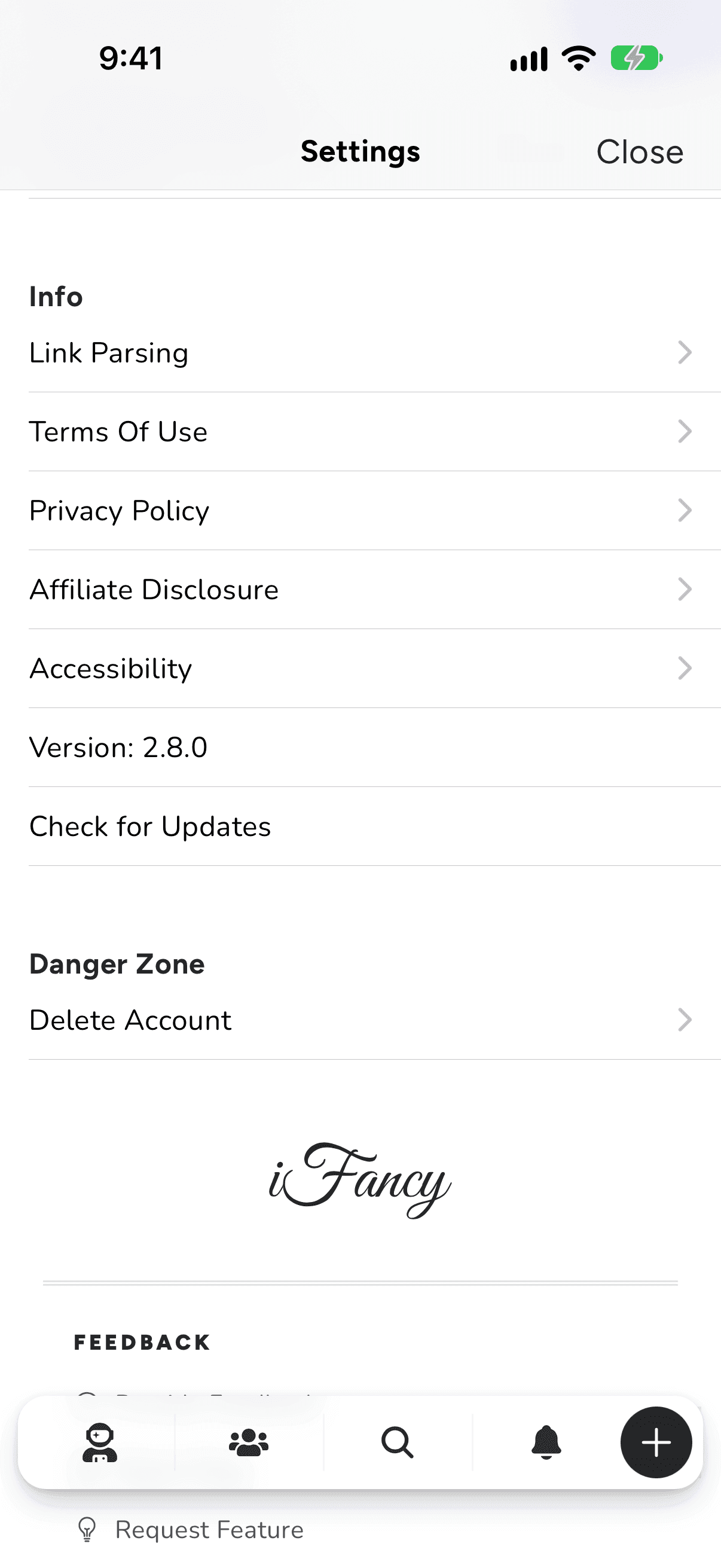
Under Danger Zone, tap Delete Account.
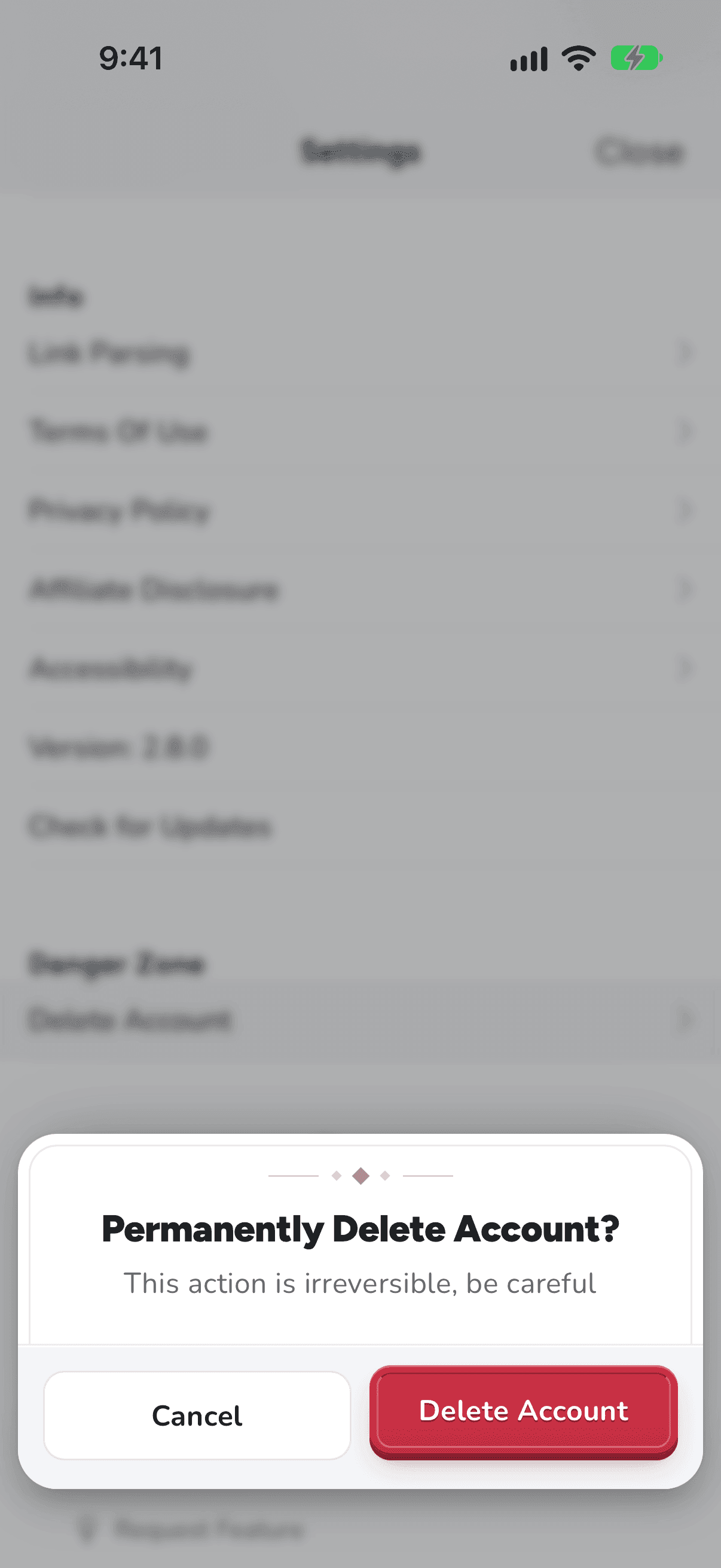
Read the warning, then tap Delete Account to confirm.
Your profile, lists and items go straight away, along with your place on other people's friends lists and shared lists. Gifts you marked as purchased on other people's lists stay marked, so they don't buy them twice.
Good to know: There's no way to download your lists first, and nothing can be brought back afterwards. Copy anything you want to keep before you delete.