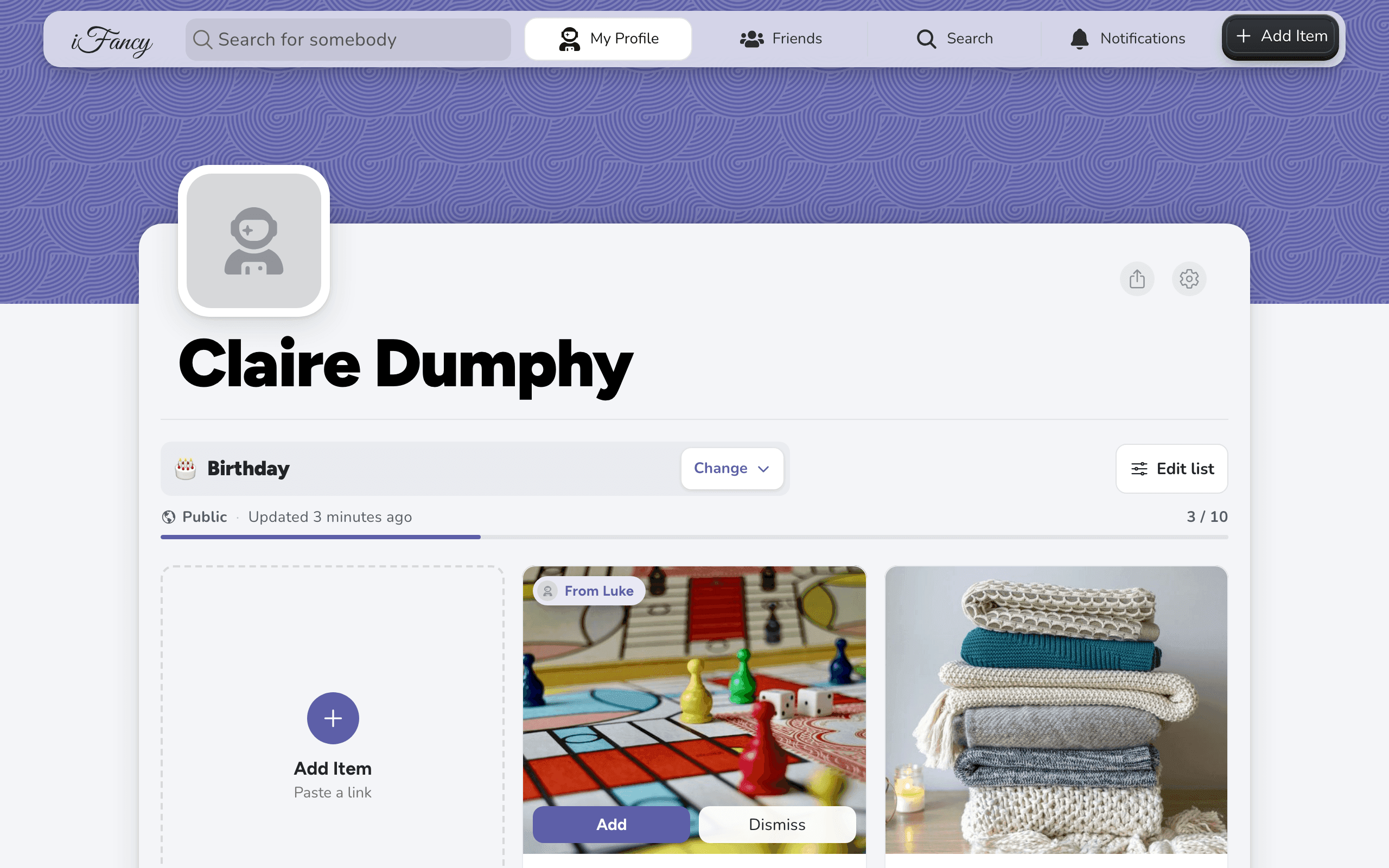
Mark an item as purchased
Sign in and follow the list's owner, then open the item and mark it purchased. You pick the day they'll find out what you bought.
Marking an item tells everyone else that it's taken, so nobody buys it twice. The list's owner doesn't see it until the date you choose. Every purchase gets a date (iFancy suggests one), and an older purchase made without one stays hidden for good.
How to do it
Open the person's profile and find the item on their list.
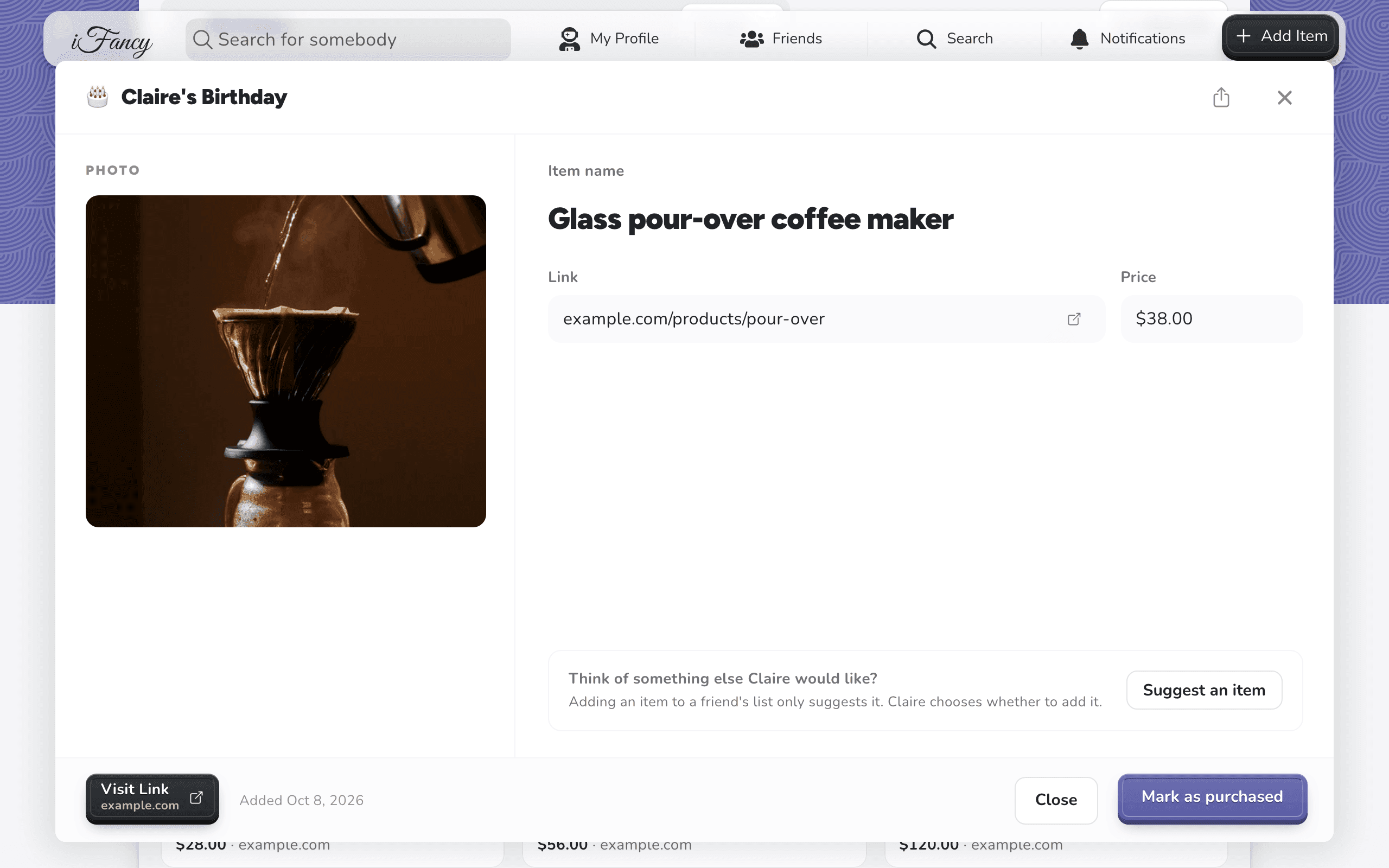
Click the item, then click Mark as purchased.
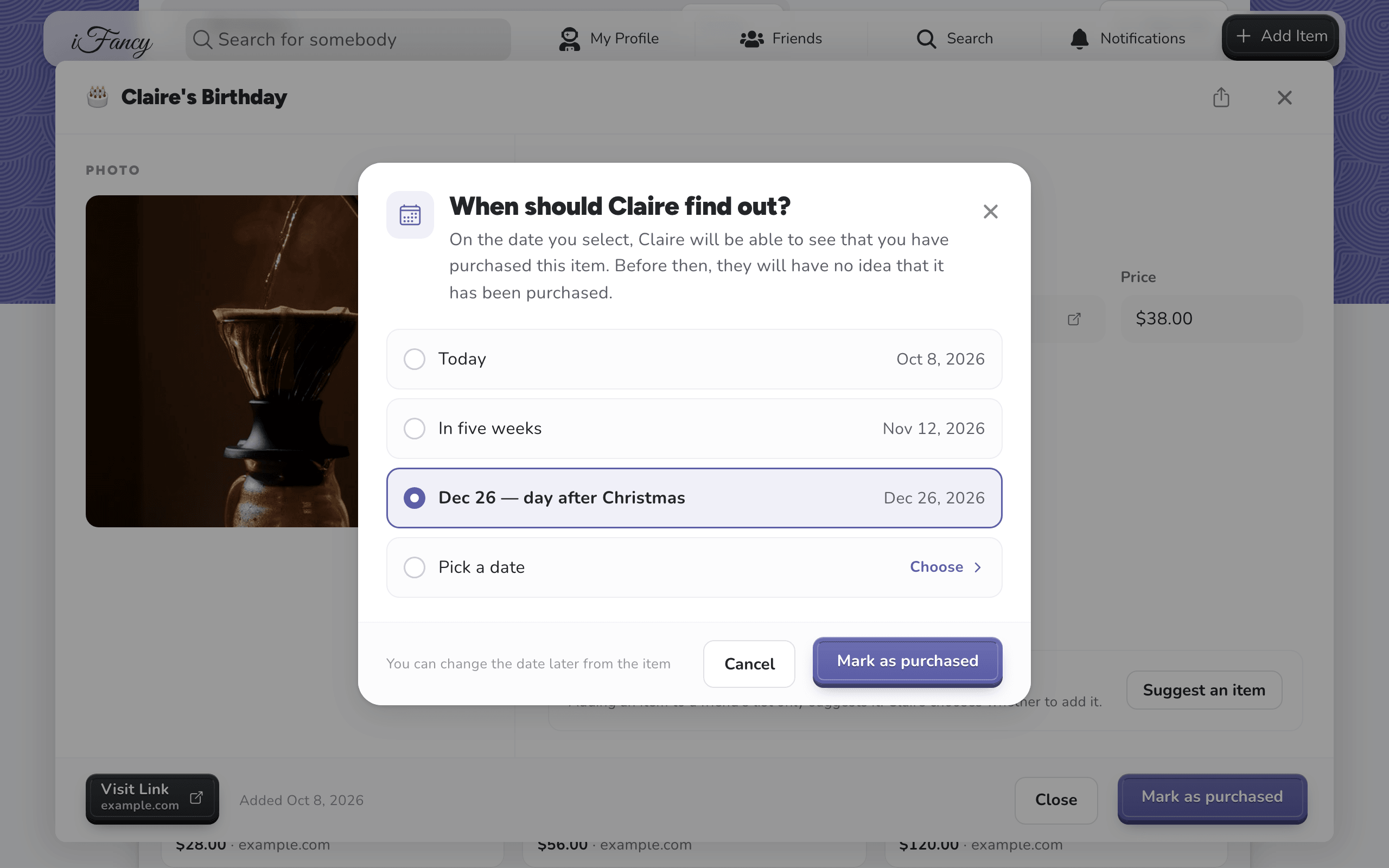
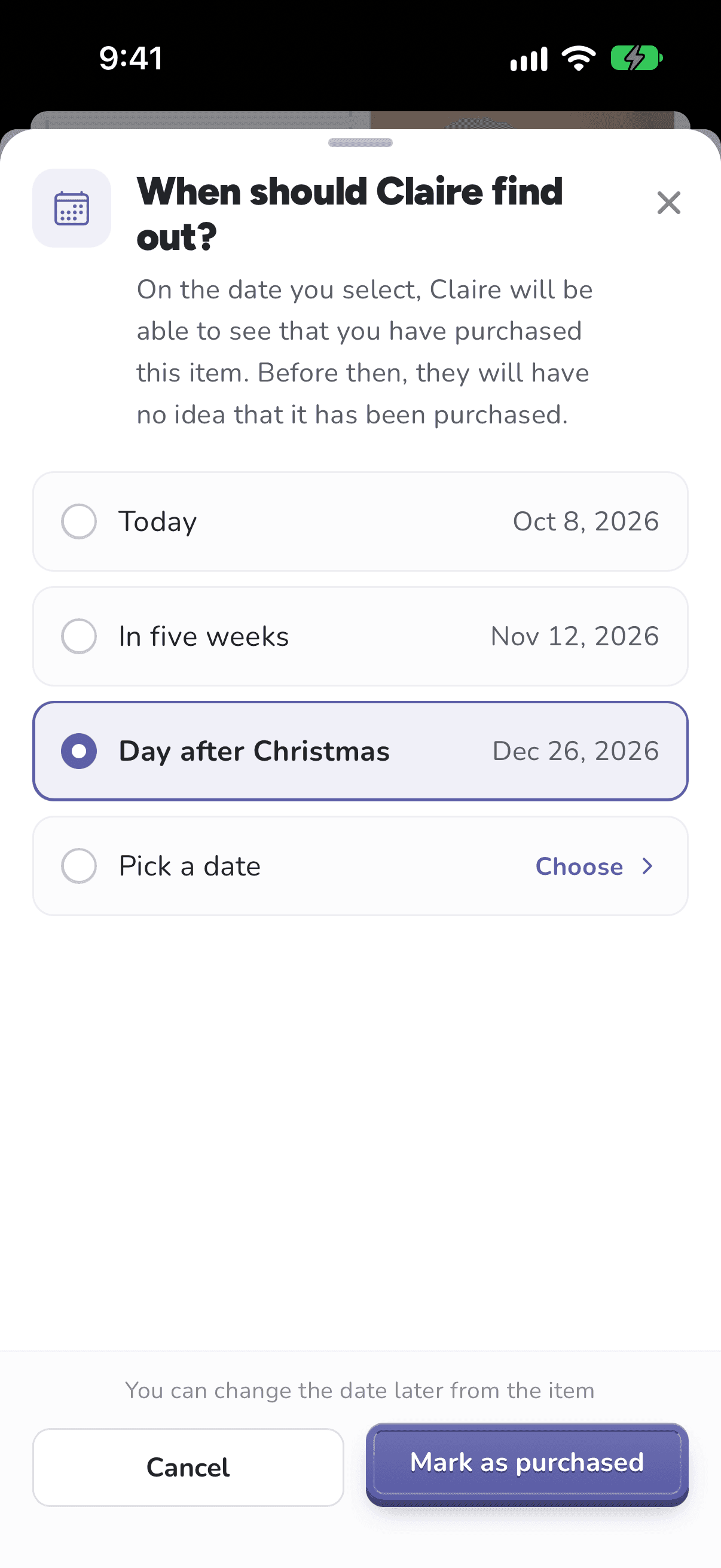
Choose when they'll find out: Today, In five weeks, Dec 26 — day after Christmas, or Pick a date. Then click Mark as purchased to confirm.
Tap Friends at the bottom (the people icon), then the person's name, and find the item on their list.
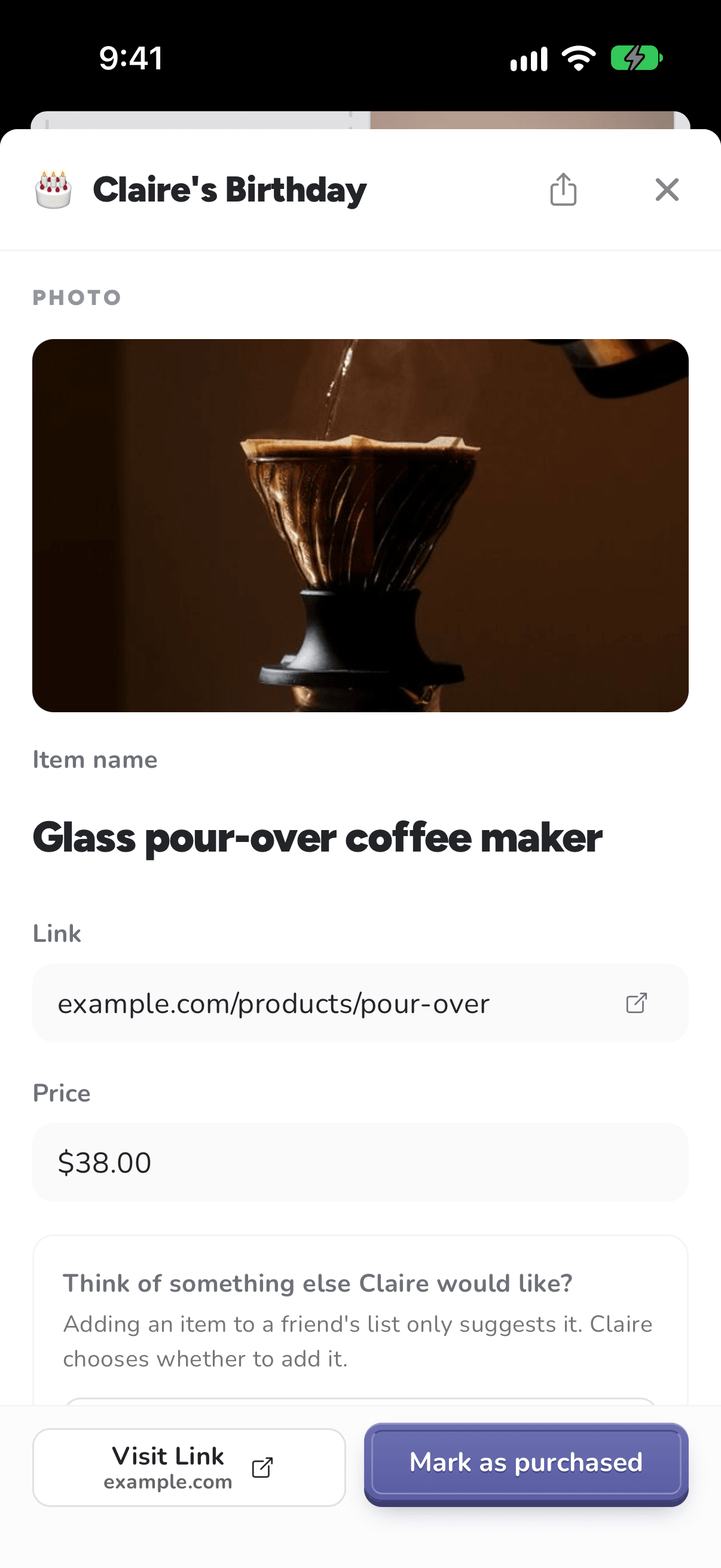
Tap the item, then tap Mark as purchased.
Choose when they'll find out: Today, In five weeks, Day after Christmas, or Pick a date. Then tap Mark as purchased to confirm.
Tip: You need to be signed in and follow the list's owner to mark something purchased. If iFancy asks you to add them as a friend first, open their profile and click Add Friend.