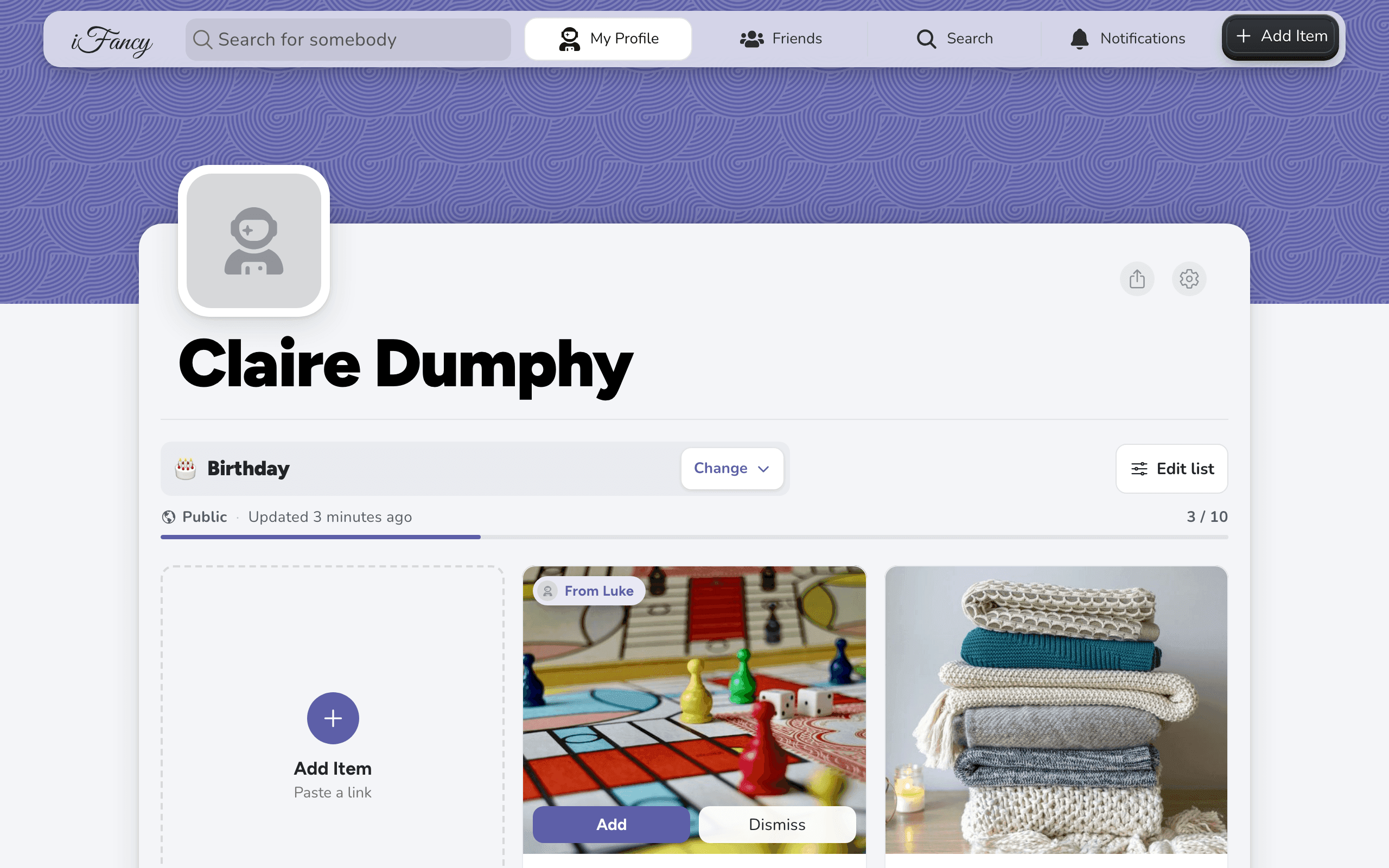
Make your first wishlist
Create a free account, then paste a product link to add your first item. Your first list is ready as soon as you sign up.
How to do it
Go to ifancy.app and click Create Account. Sign up with a US phone number, Google or Apple.
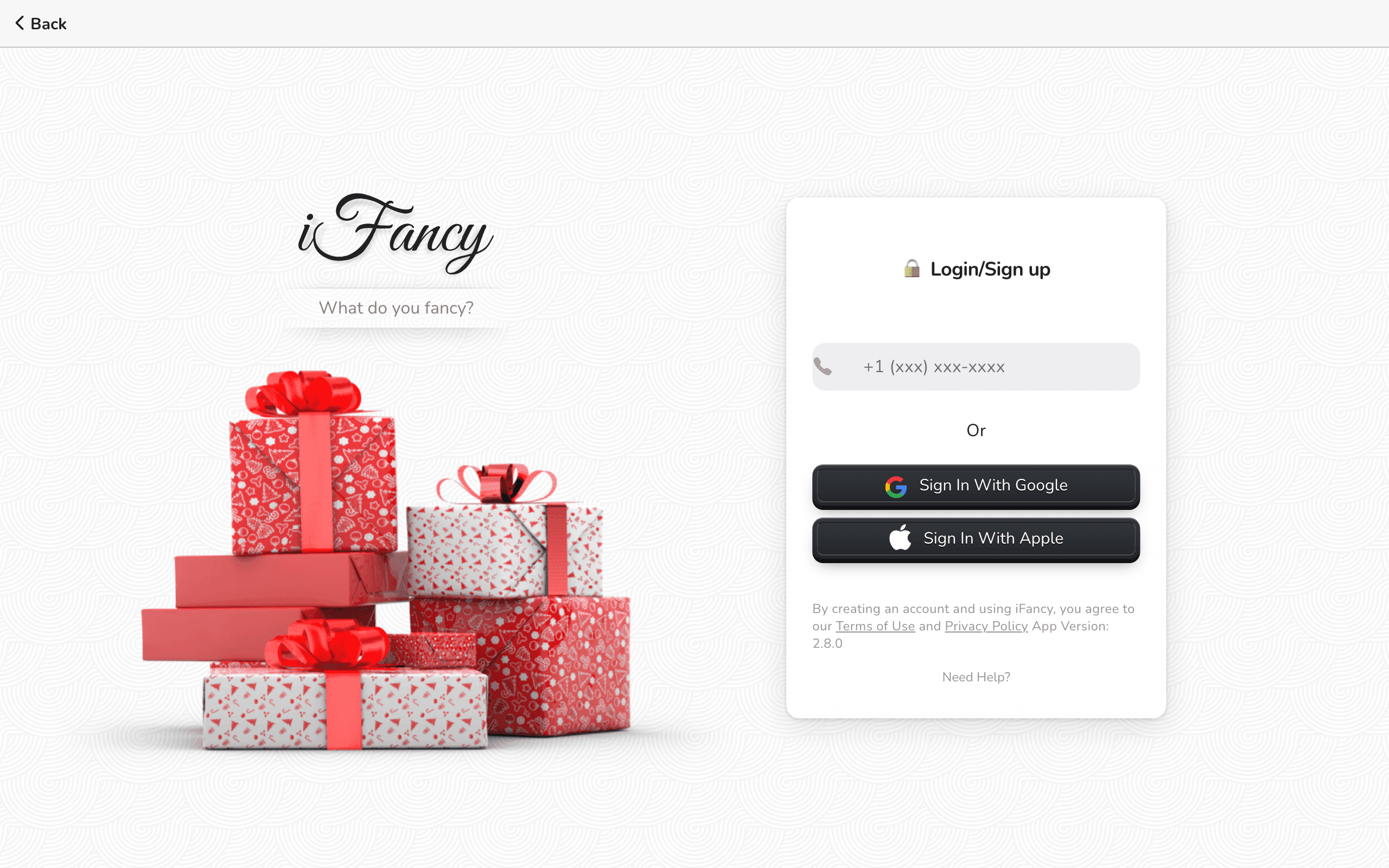
When iFancy asks Looks like you are trying to create a new account?, choose Yes, Continue. and enter your first and last name.
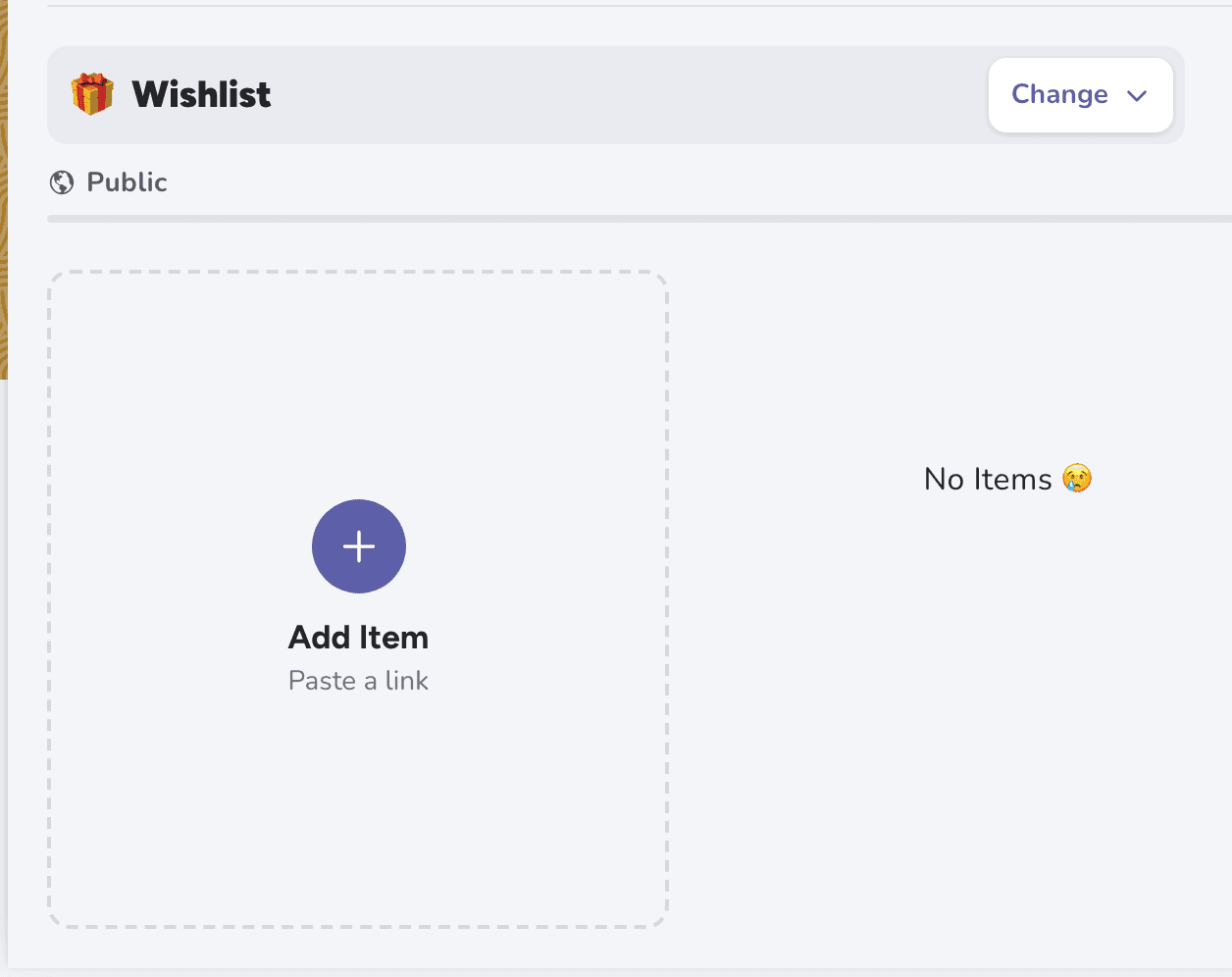
Your first list, 🎁 Wishlist, is waiting on your profile. Click Add Item.
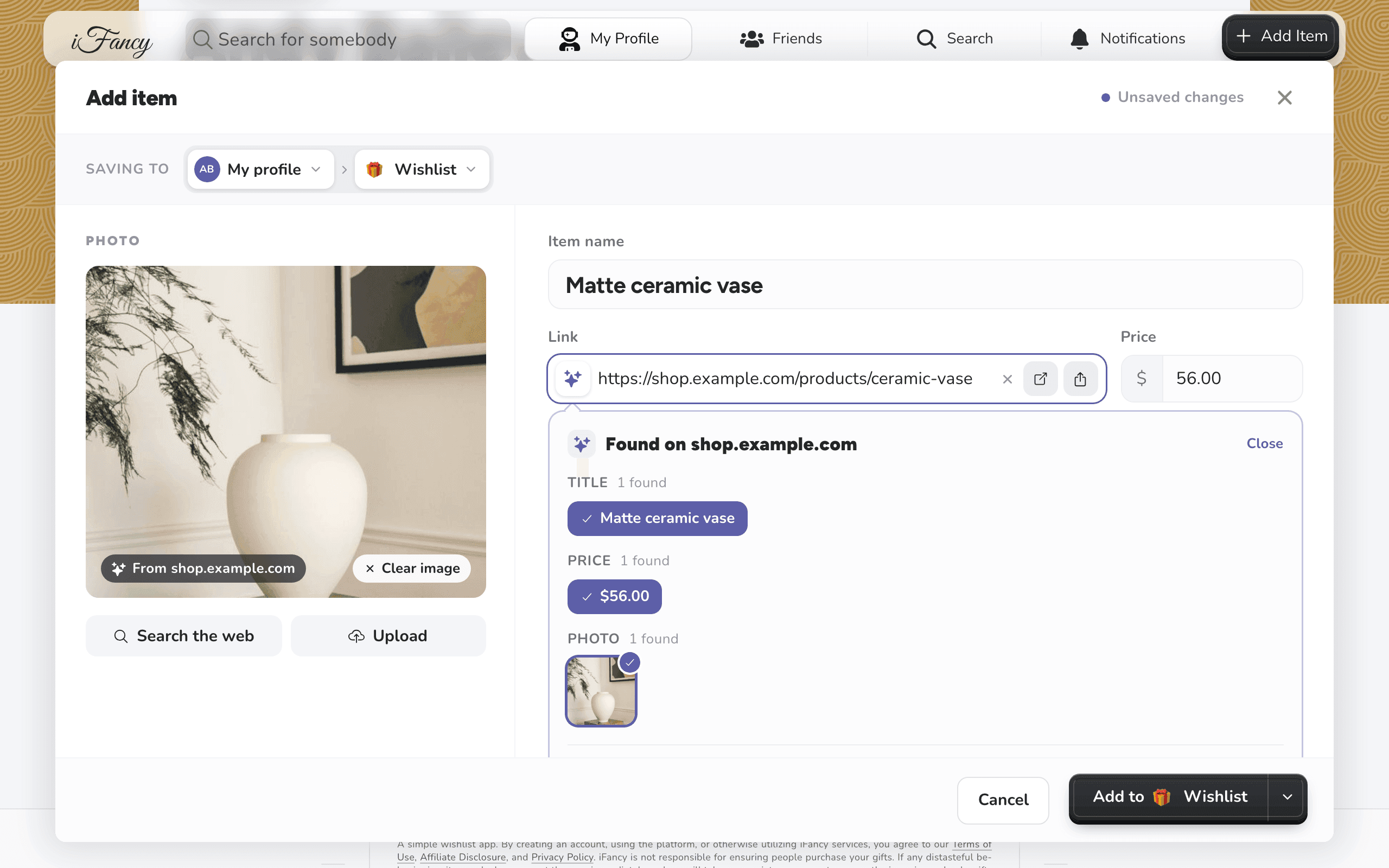
Paste a link to something you'd like into Link and click Fetch Data. The photo, name and price fill in. Click Add to your list.
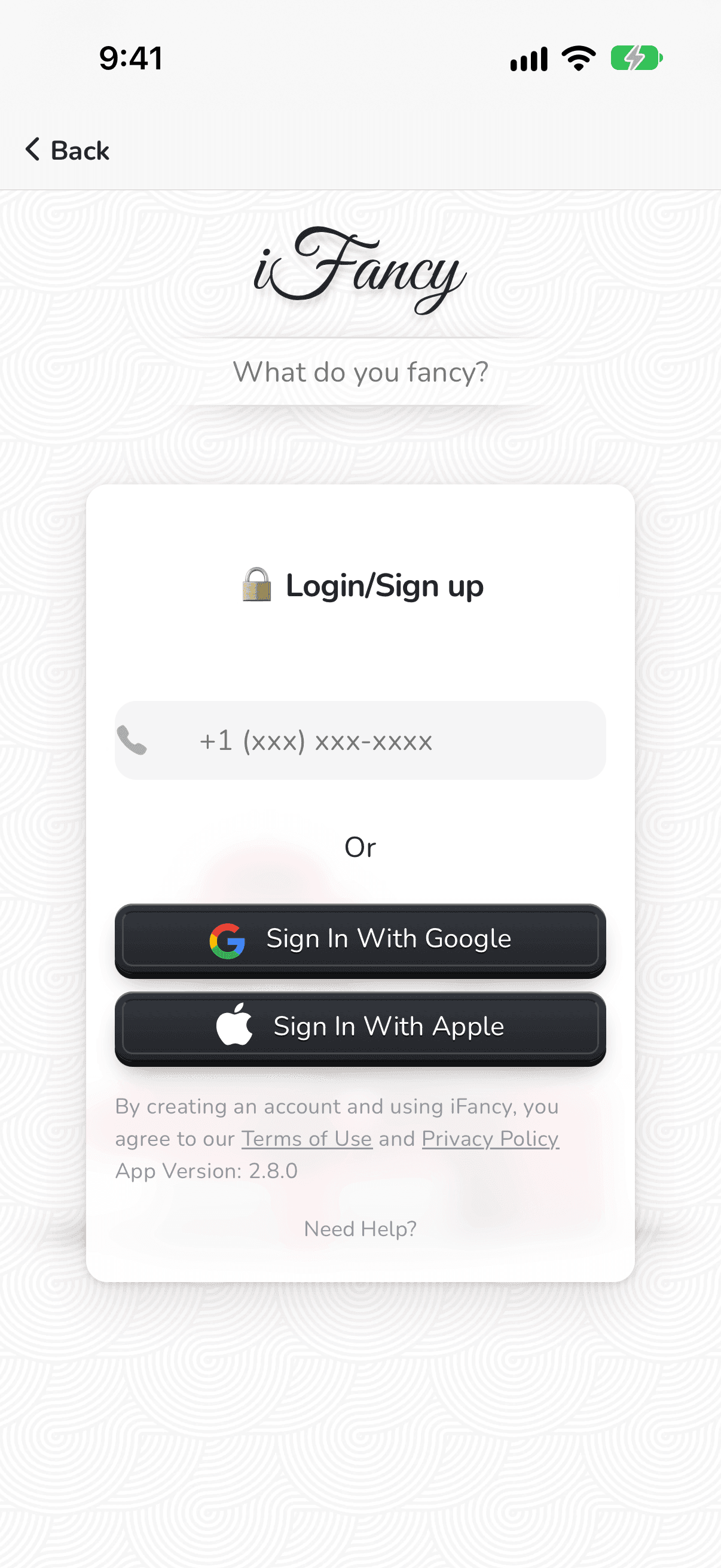
Get the app from the App Store, open it and tap Login // Signup. Sign up with a US phone number, Google or Apple.
When iFancy asks Looks like you are trying to create a new account?, choose Yes, Continue. and enter your first and last name.
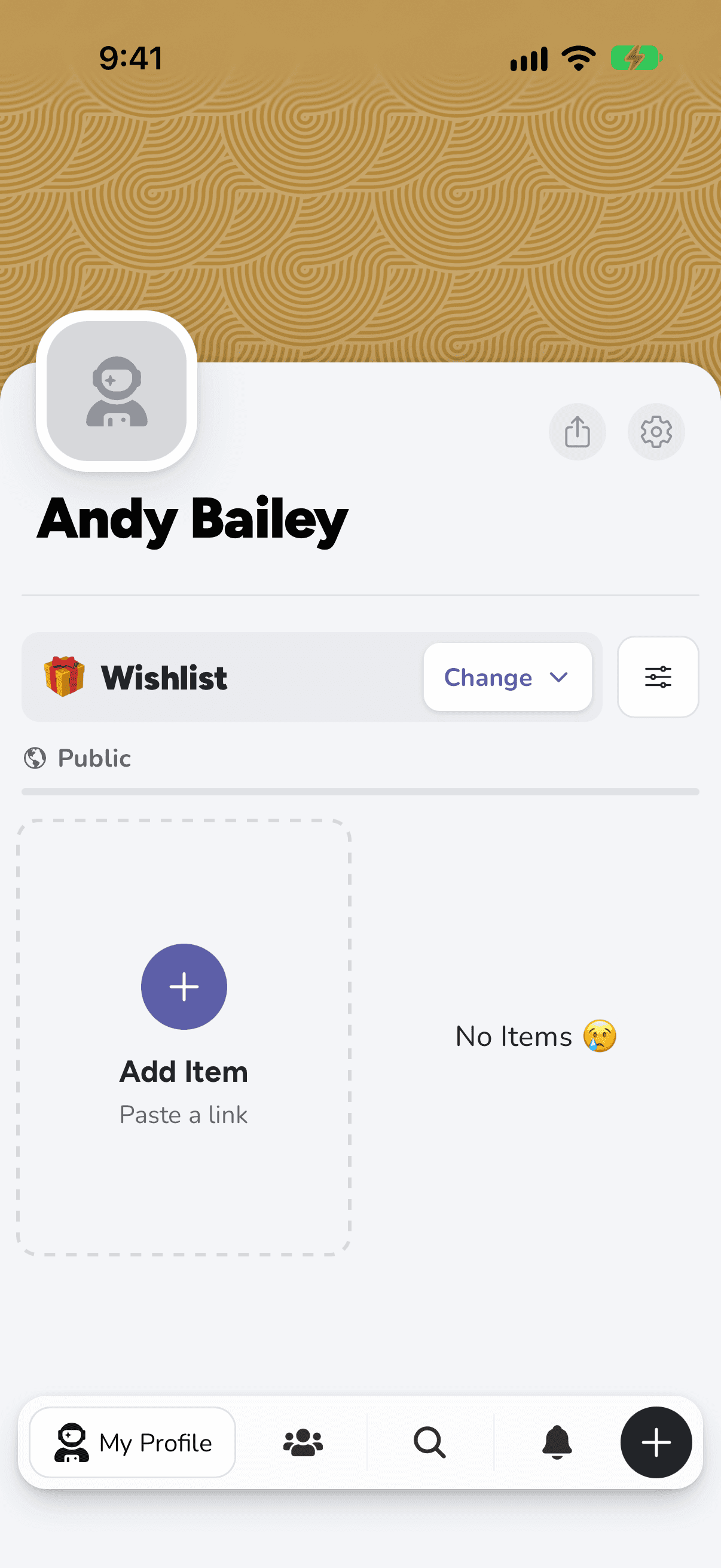
Your first list, 🎁 Wishlist, is waiting on your profile. Tap + at the bottom right.
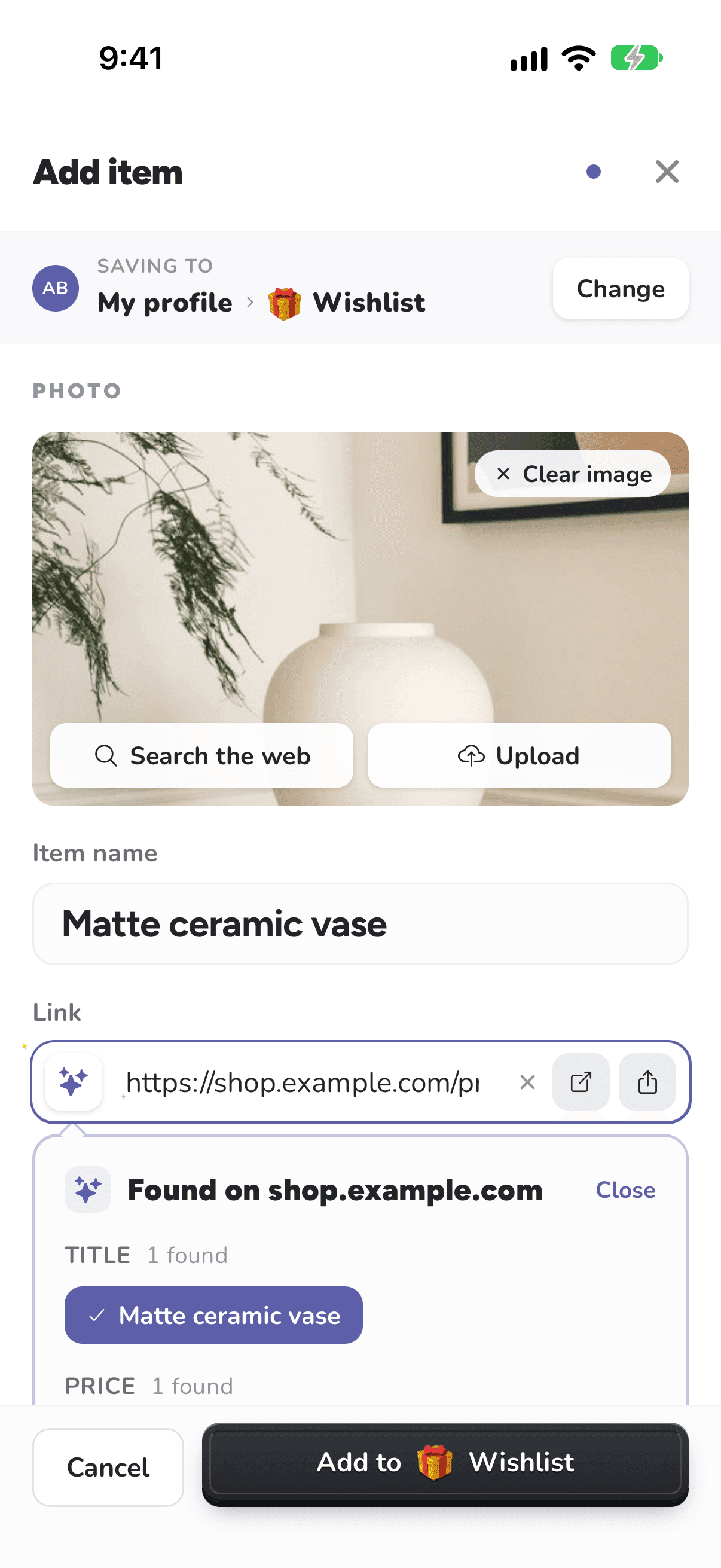
Paste a link to something you'd like into Link and tap Fetch Data. The photo, name and price fill in. Tap Add to your list.
When you've added a few things, share your list with the people who buy you presents.