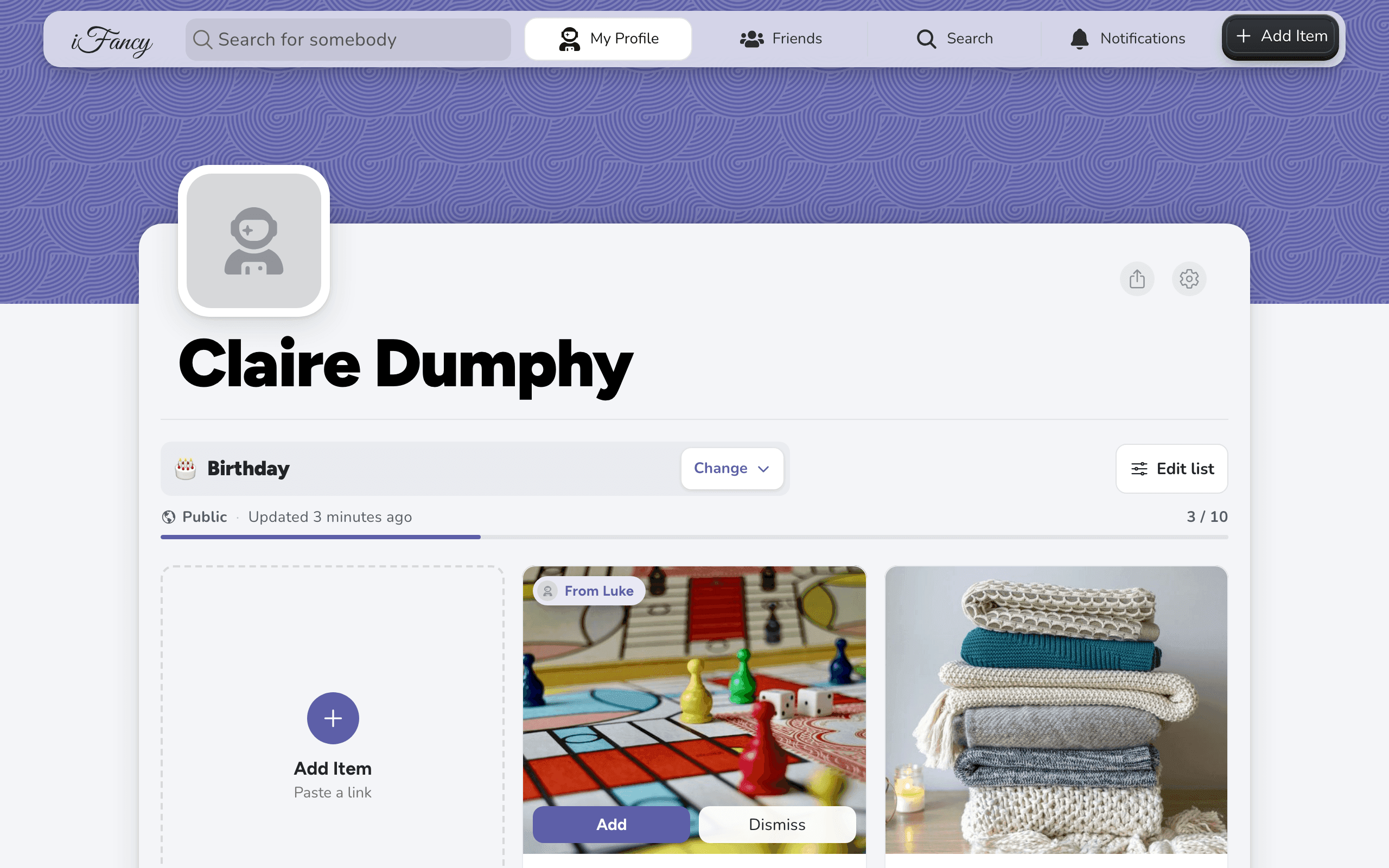
Have more than one wishlist
Updated Works onWebiPhone
You can make up to 10 lists of your own, for a birthday, Christmas, a child or a pet. Each list has its own visibility setting.
How to do it
On your profile, click the list's name, marked Change, to see your lists.
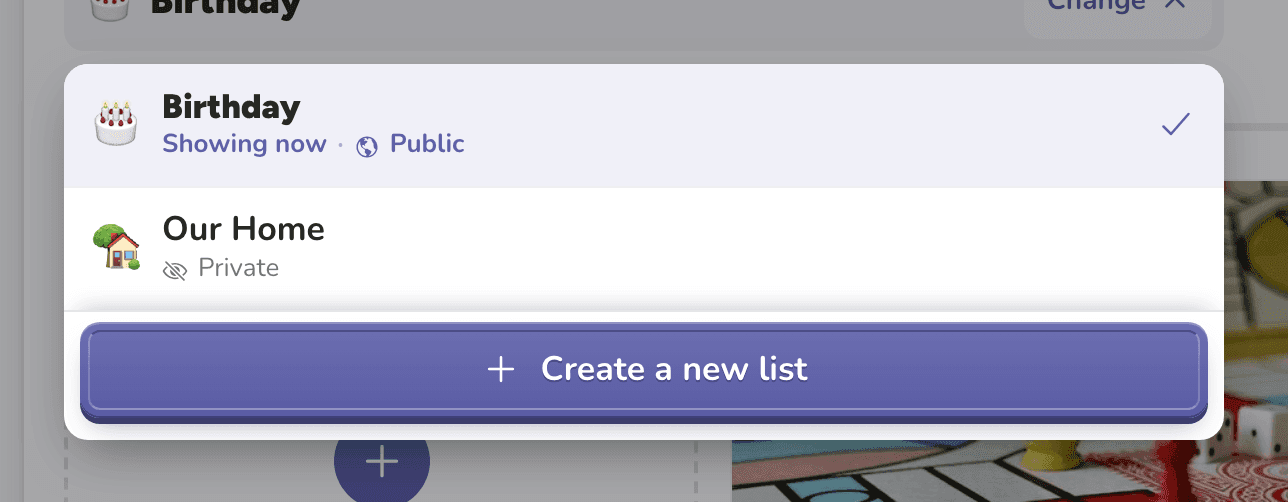
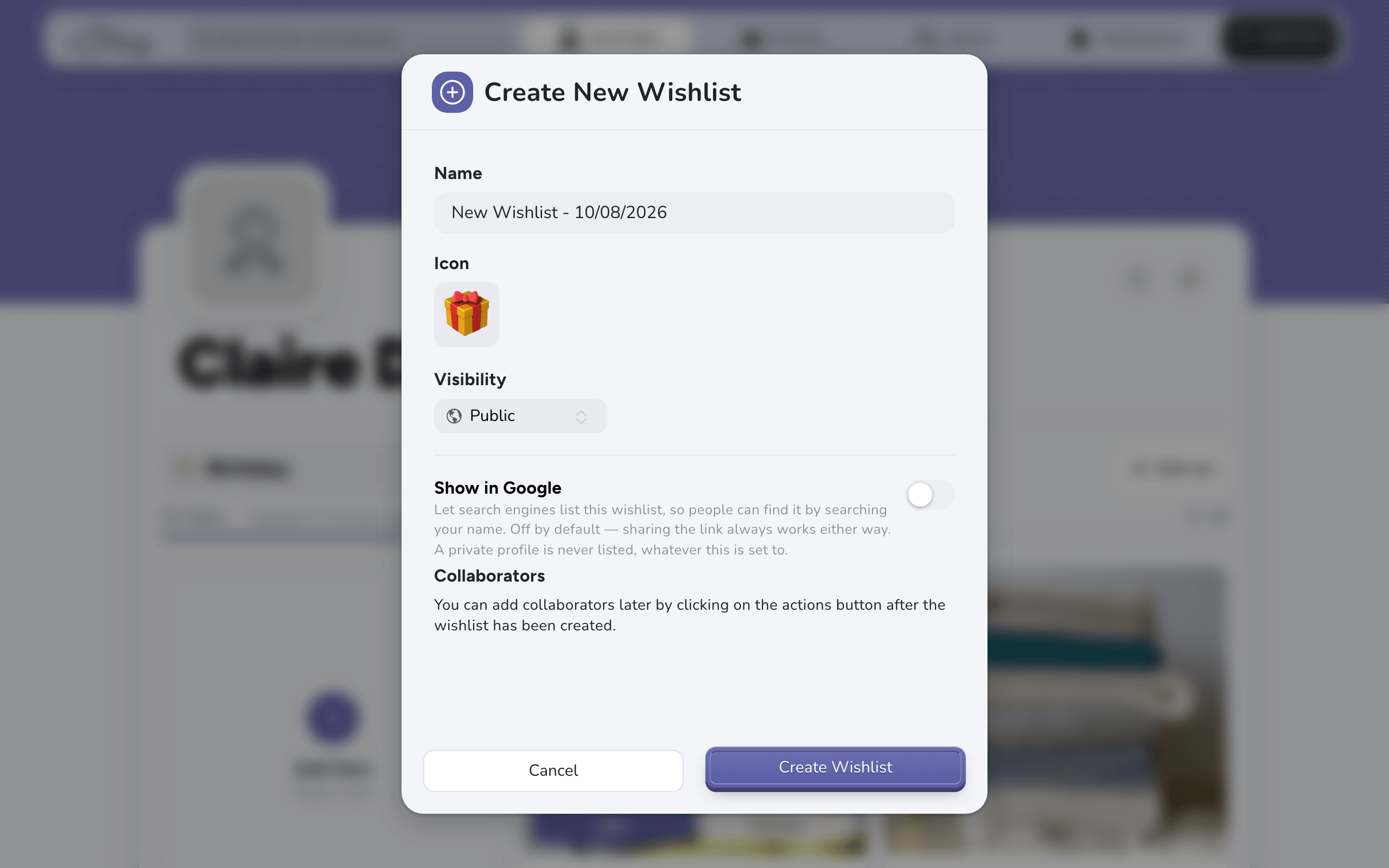
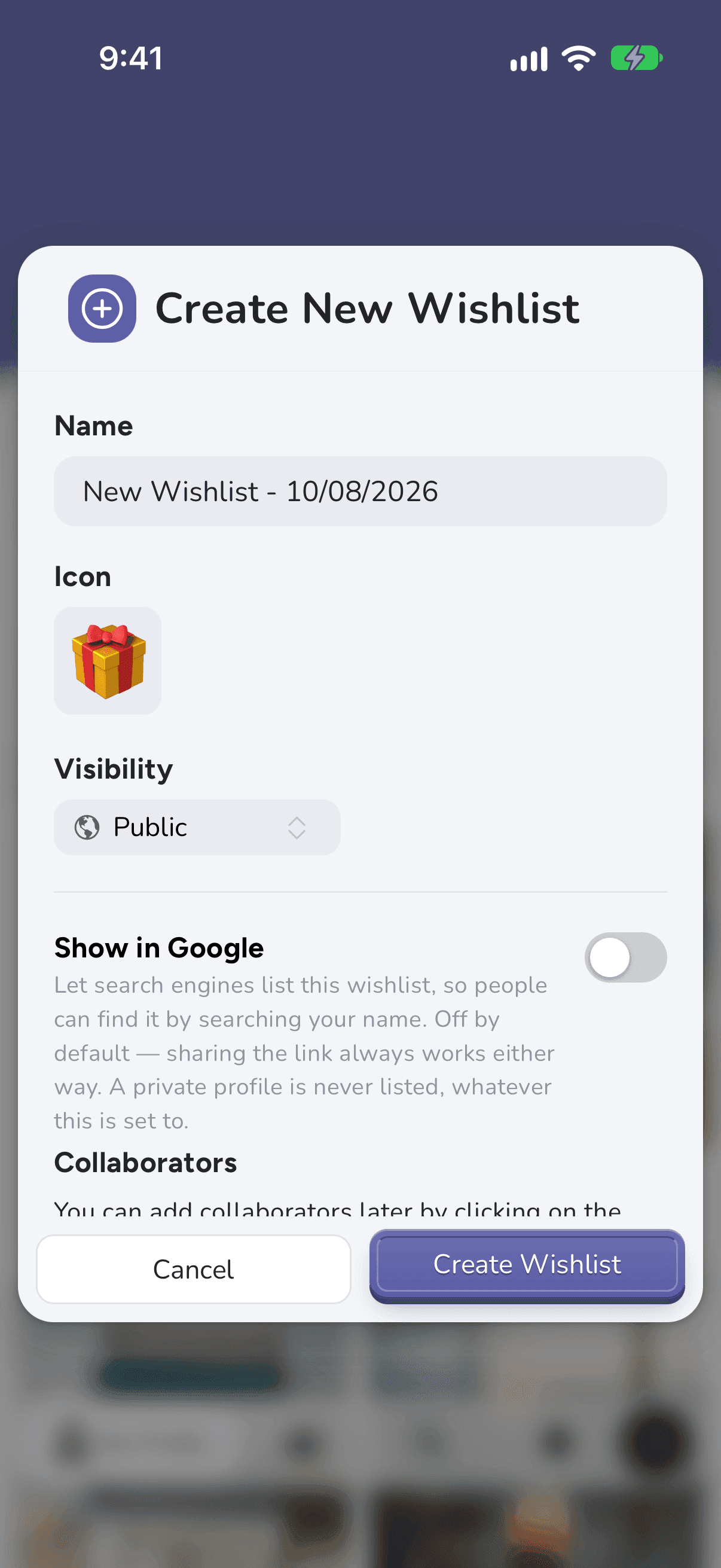
Click Create a new list. Give it a name, an icon and a visibility, then click Create Wishlist.
On your profile, tap the list's name, marked Change.
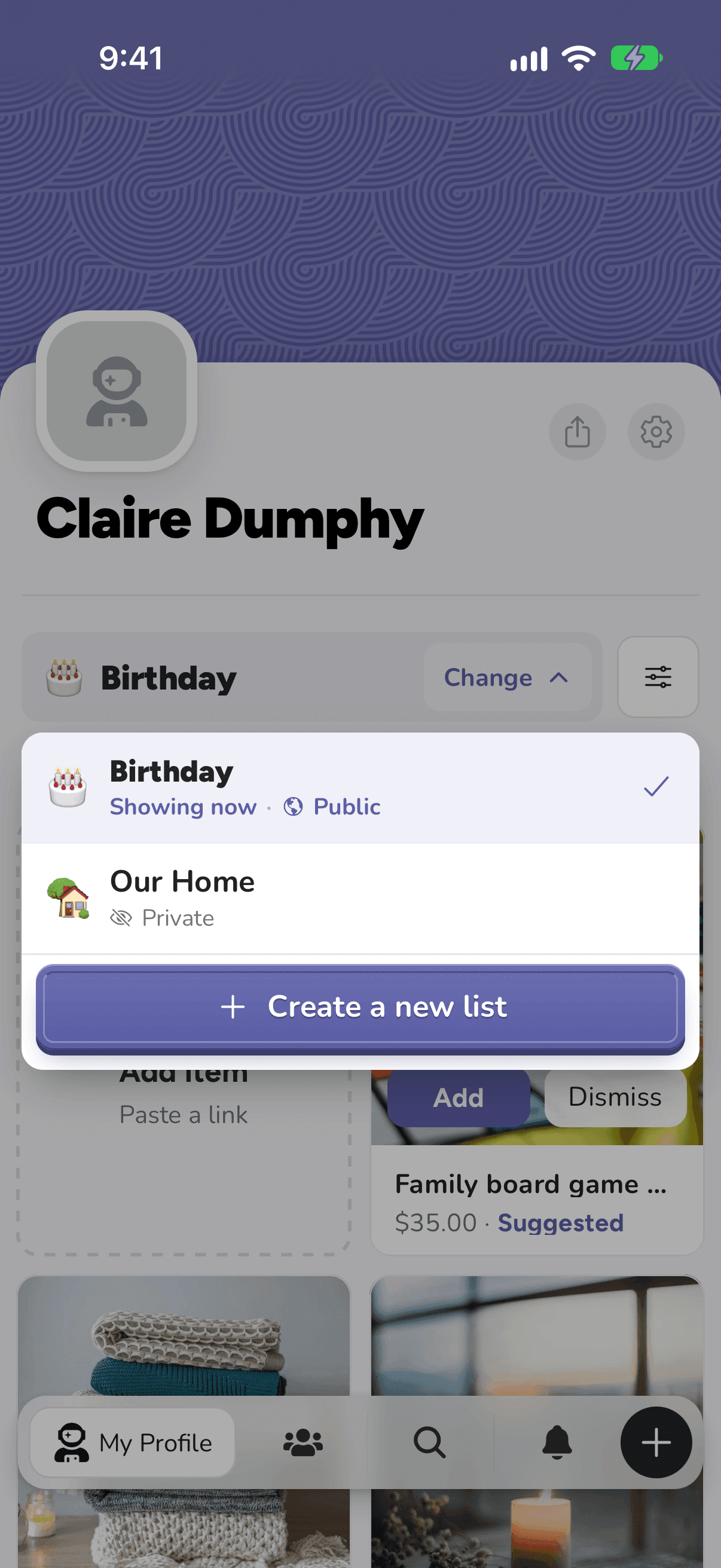
Tap Create a new list. Give it a name, an icon and a visibility, then tap Create Wishlist.
To move between lists later, use Change again. Lists other people share with you appear there too, under Shared with you, and don't count towards your 10.
Good to know: At 10 lists, delete one you no longer need to make room for a new one.
Related articles
Was this helpful?