Trouble signing in
iFancy signs you in with a US phone number, Google or Apple. If a code doesn't arrive, or the wrong account opens, here's what to check.
What to check
Sign in the same way you signed up. A phone number, a Google account and an Apple account are separate ways in.
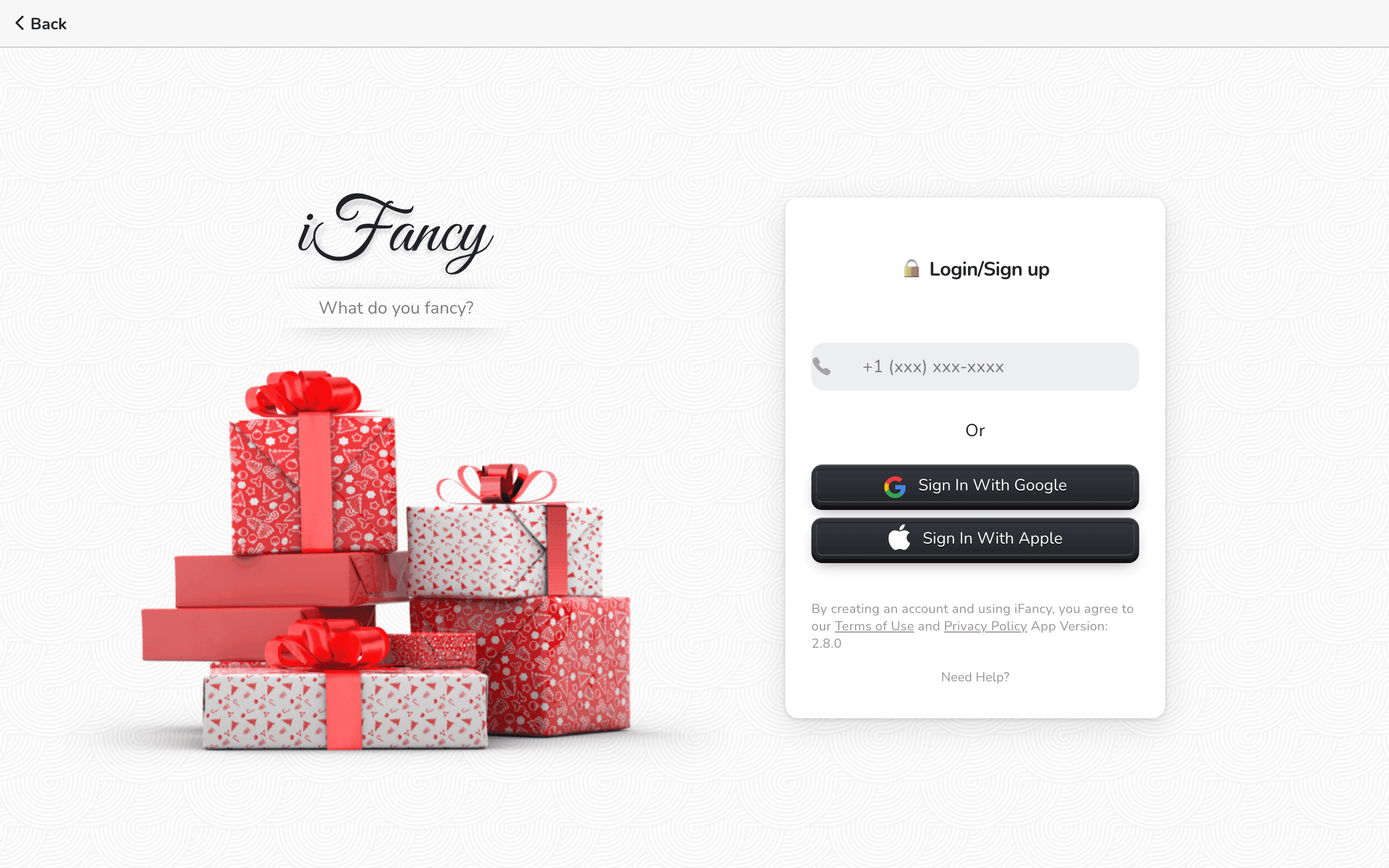
Using your phone number? Type the 10 digits without the +1, which is already there. Only US numbers work for now.
No code after a minute? Click Back, check the number, and click Send Code again. The code is 6 digits.
Asked Looks like you are trying to create a new account? when you already have one? Choose No, I should already have an account and try the way you signed up.
Sign in the same way you signed up. A phone number, a Google account and an Apple account are separate ways in.
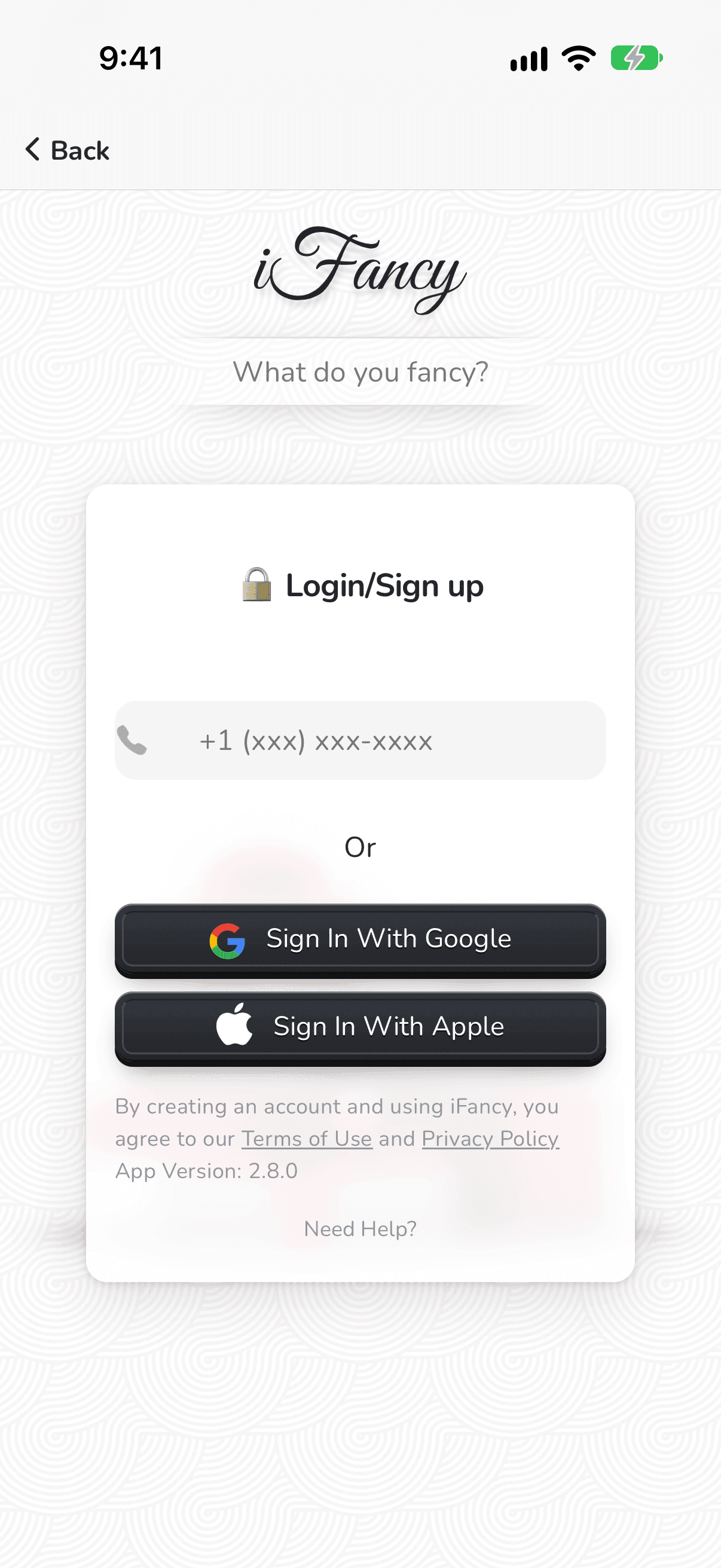
Using your phone number? Type the 10 digits without the +1, which is already there. Only US numbers work for now.
No code after a minute? Tap Back, check the number, and tap Send Code again. The code is 6 digits.
Asked Looks like you are trying to create a new account? when you already have one? Choose No, I should already have an account and try the way you signed up.
Still can't get in? Contact us with the phone number or email you signed up with.