Stop people finding you in friend search
Updated Works onWebiPhone
Turn off "Show Me in Friend Search" in Settings and nobody can find your profile by searching inside iFancy. Anyone you've sent your link to can still open it, unless your profile is private.
How to do it
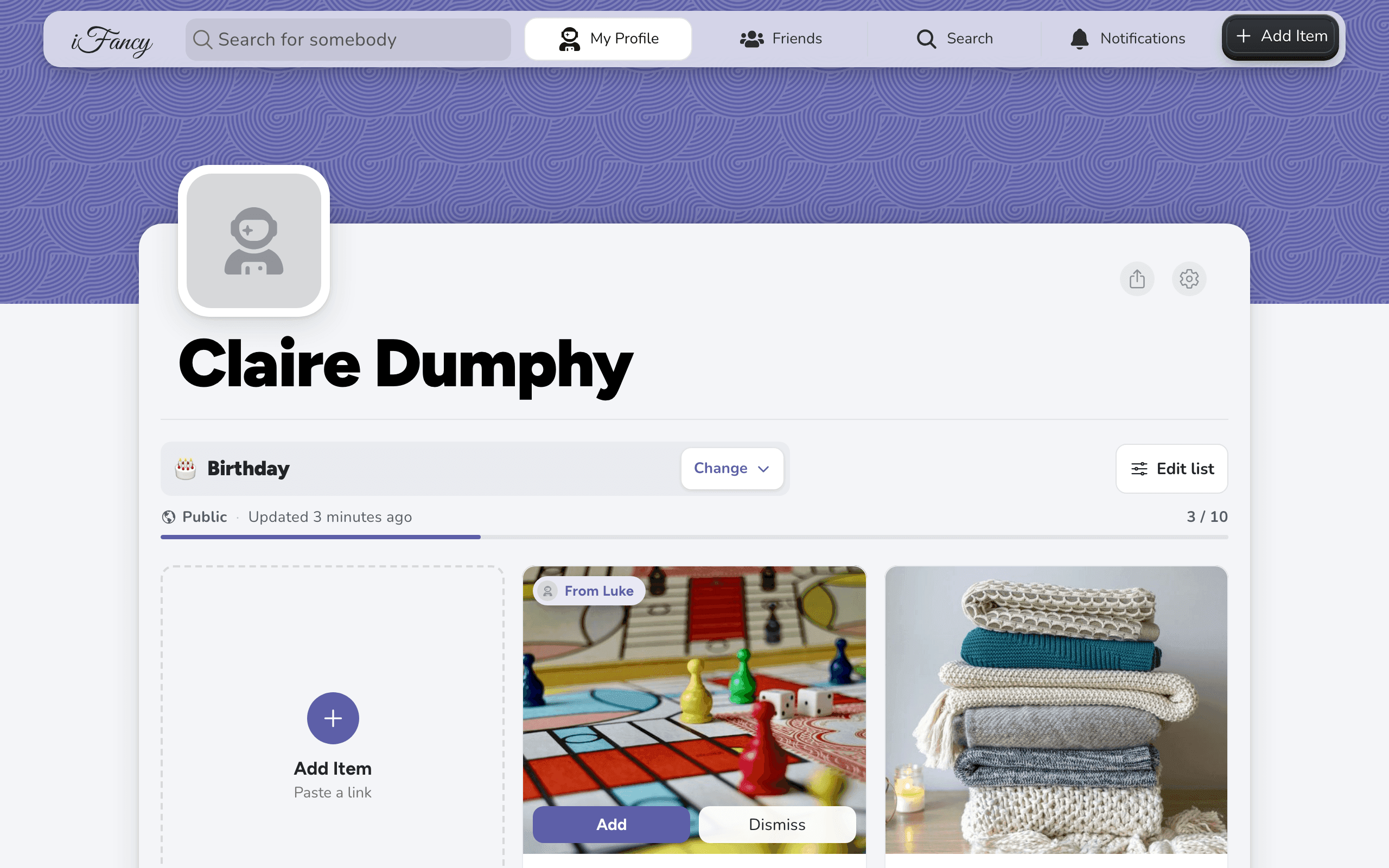
On your profile, click the settings gear at the top right of your profile card, then More Settings.
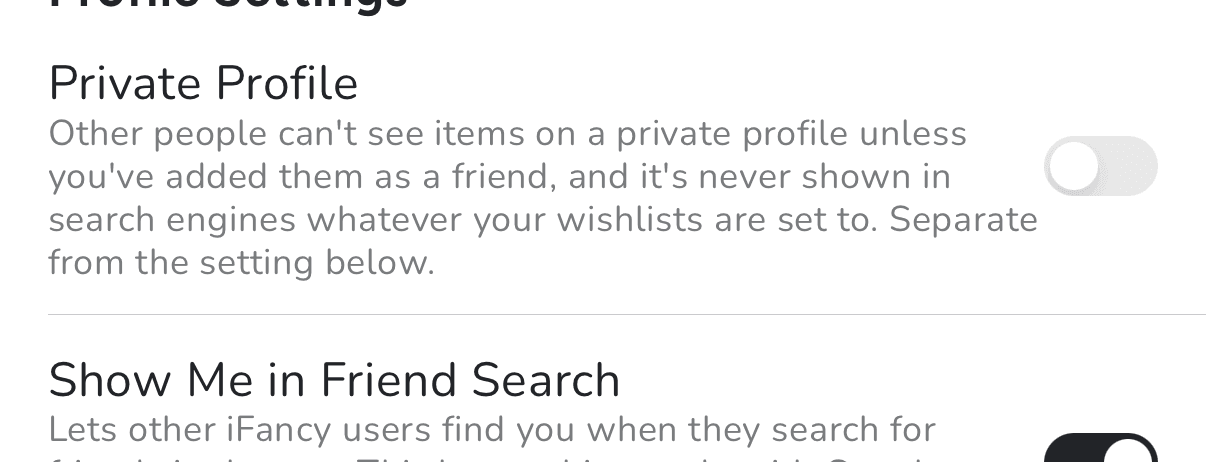
Under Profile Settings, turn off Show Me in Friend Search.

On your profile, tap the settings gear at the top right of your profile card, then More Settings.
Under Profile Settings, turn off Show Me in Friend Search.
This setting is only about iFancy's own search. Whether a list shows up in Google is a separate switch on each list: see Show a wishlist in Google, or keep it out.
Related articles
Was this helpful?