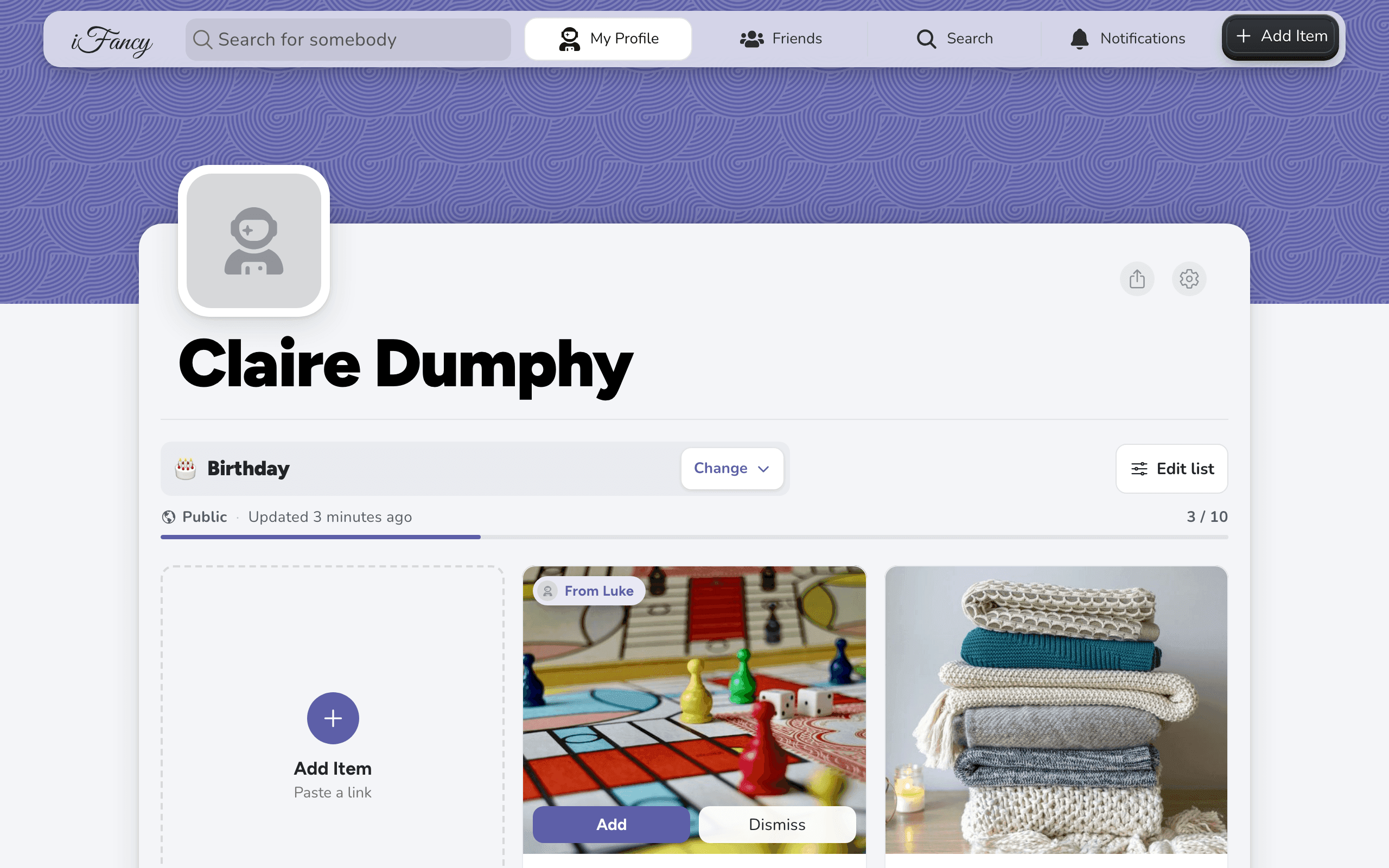
Share your wishlist with anyone
Tap the share button on your profile and send the link however you like. A public list opens for anyone with the link, in any browser, without an account or the app, unless your profile is private.
The link is for the list you're looking at when you share. For your first list, 🎁 Wishlist, it's your profile's link.
How to do it
On your profile, open the list you want to share (click its name, marked Change).
Click the share button, next to the settings gear. The link is copied, and a message says so.
If your browser has a share menu, the menu opens instead.
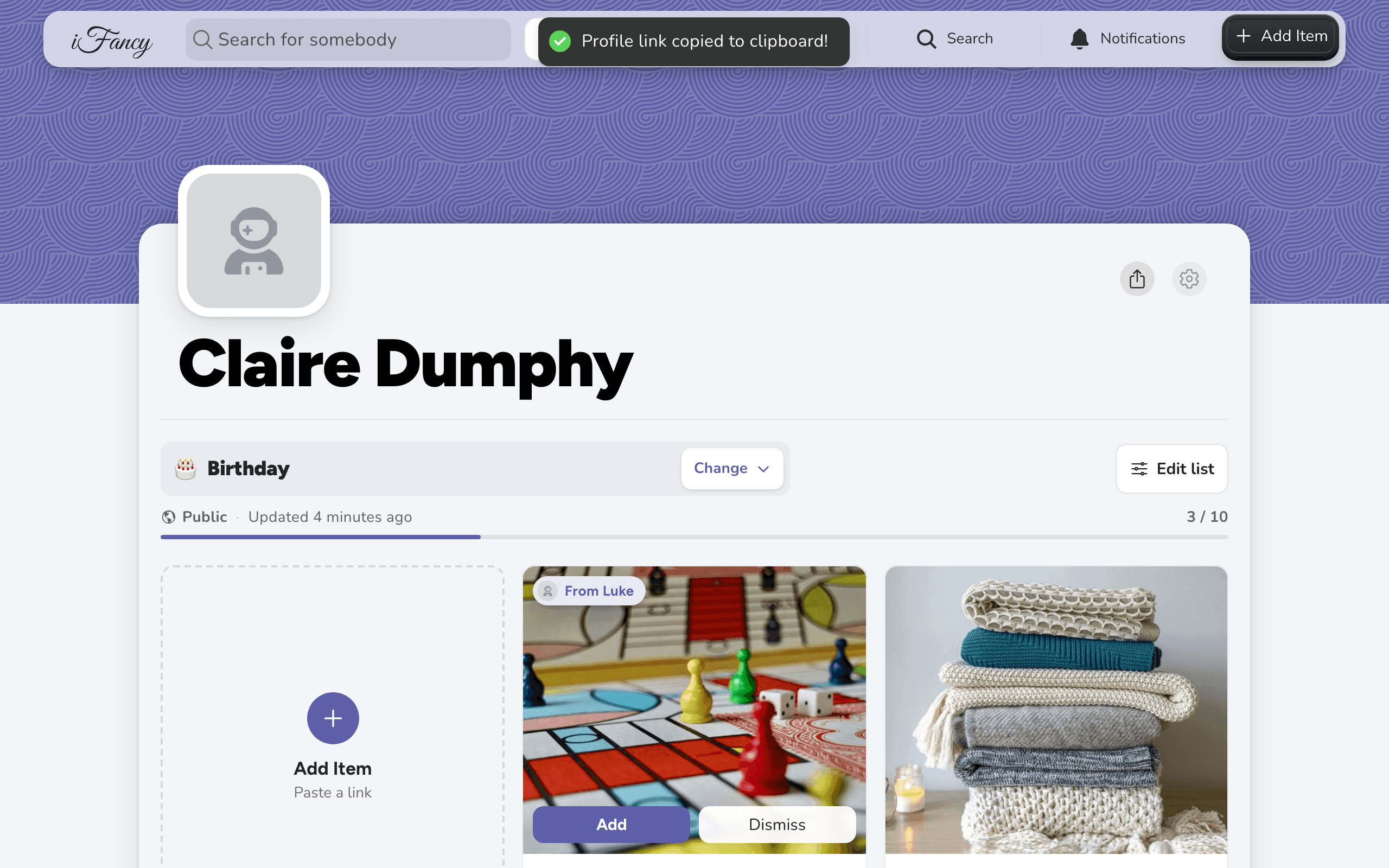
Paste the link into a text, an email or a chat.
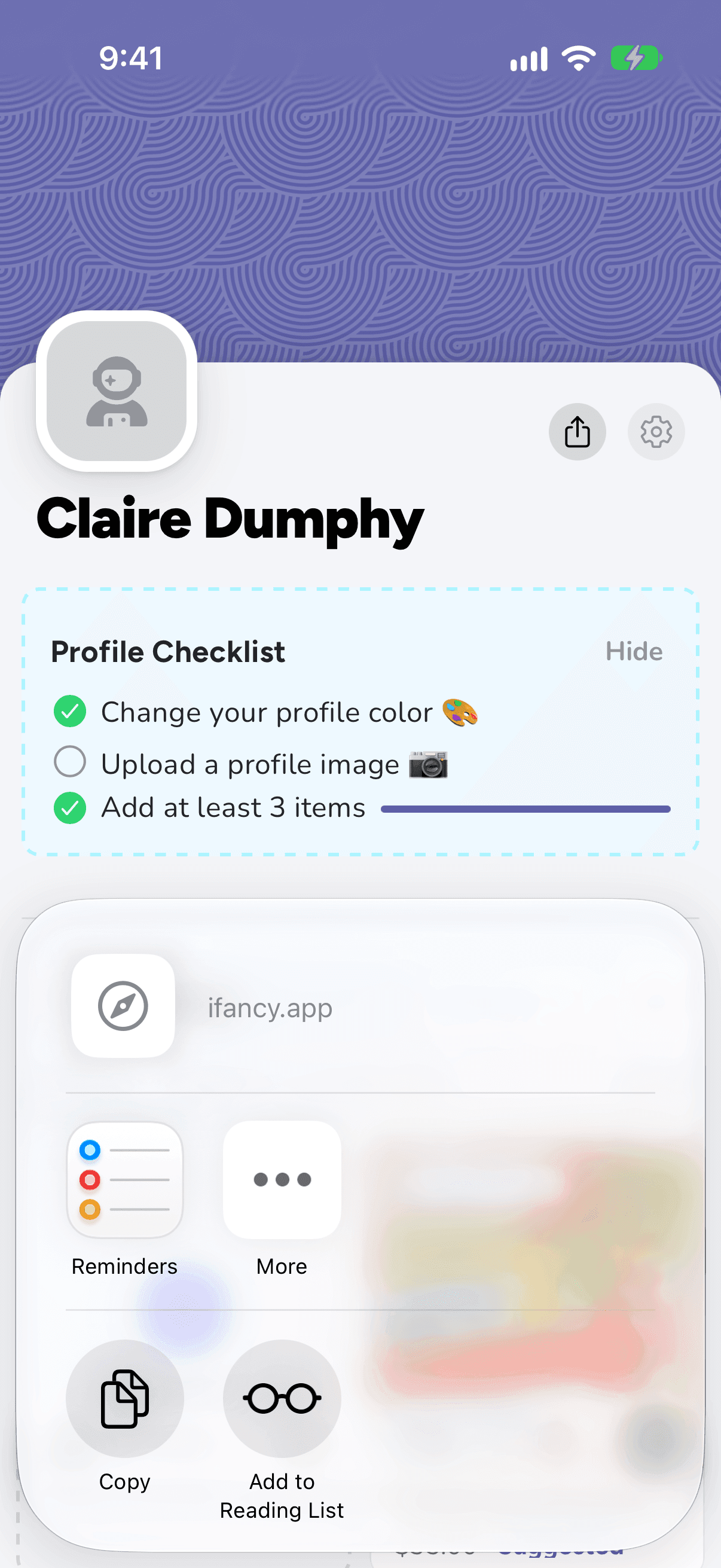
On your profile, open the list you want to share (tap its name, marked Change).
Tap the share button, next to the settings gear, then choose how to send it, or Copy.
What they see
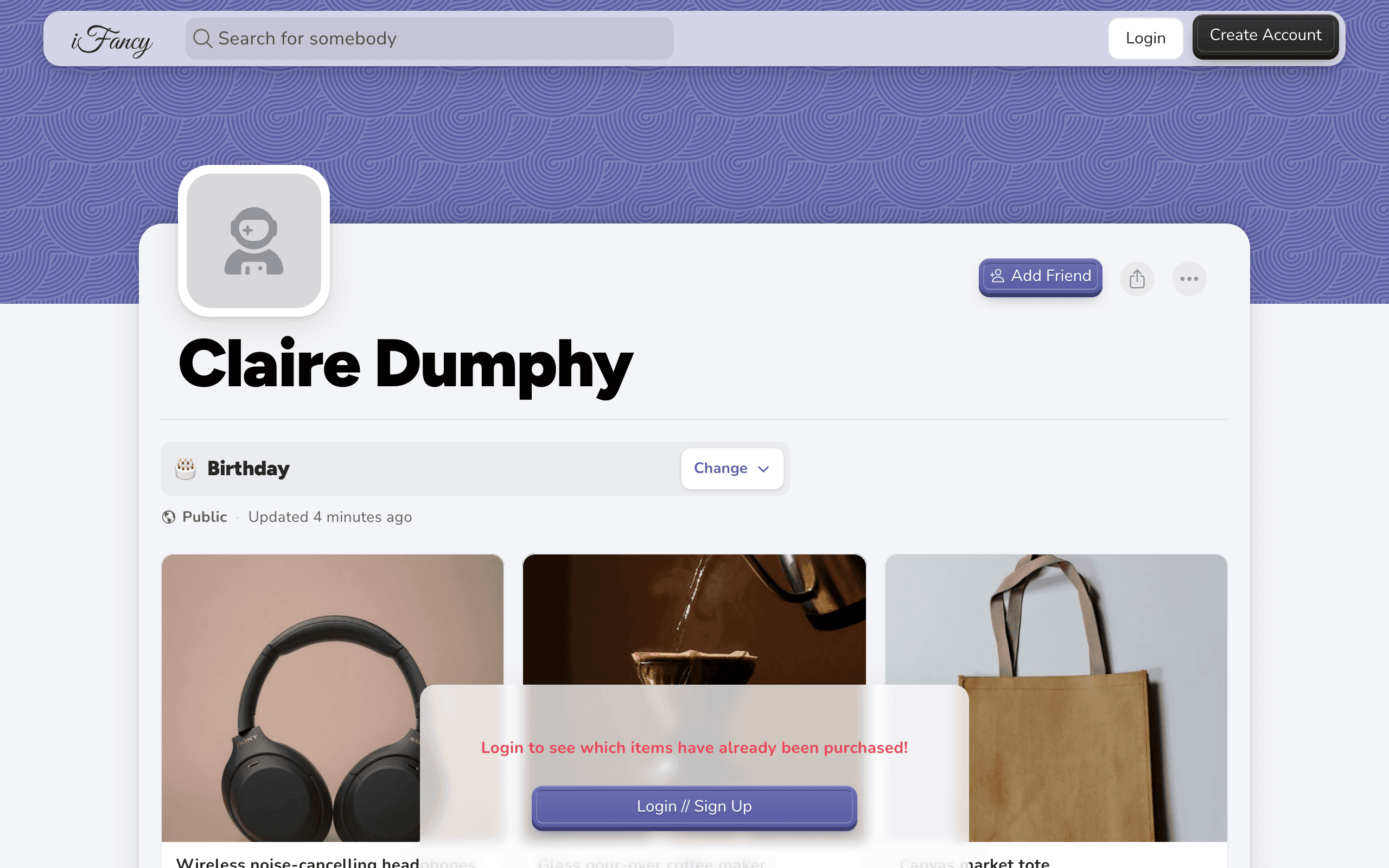
Someone who opens your link without signing in sees your profile and its public lists, with each item's photo, price and shop link. Items you've hidden from people aren't there, and nothing shows what's been bought. A note at the bottom invites them to sign in to see which items are already taken.
Privacy: A Friends Only or Private list doesn't open from the link for people who can't see it. They're told the list is private, or for friends only. With Private Profile on in Settings, every list, Public ones included, opens only for people who follow you.