5 articles
Sharing & privacy
Who sees your lists, your items and your profile.
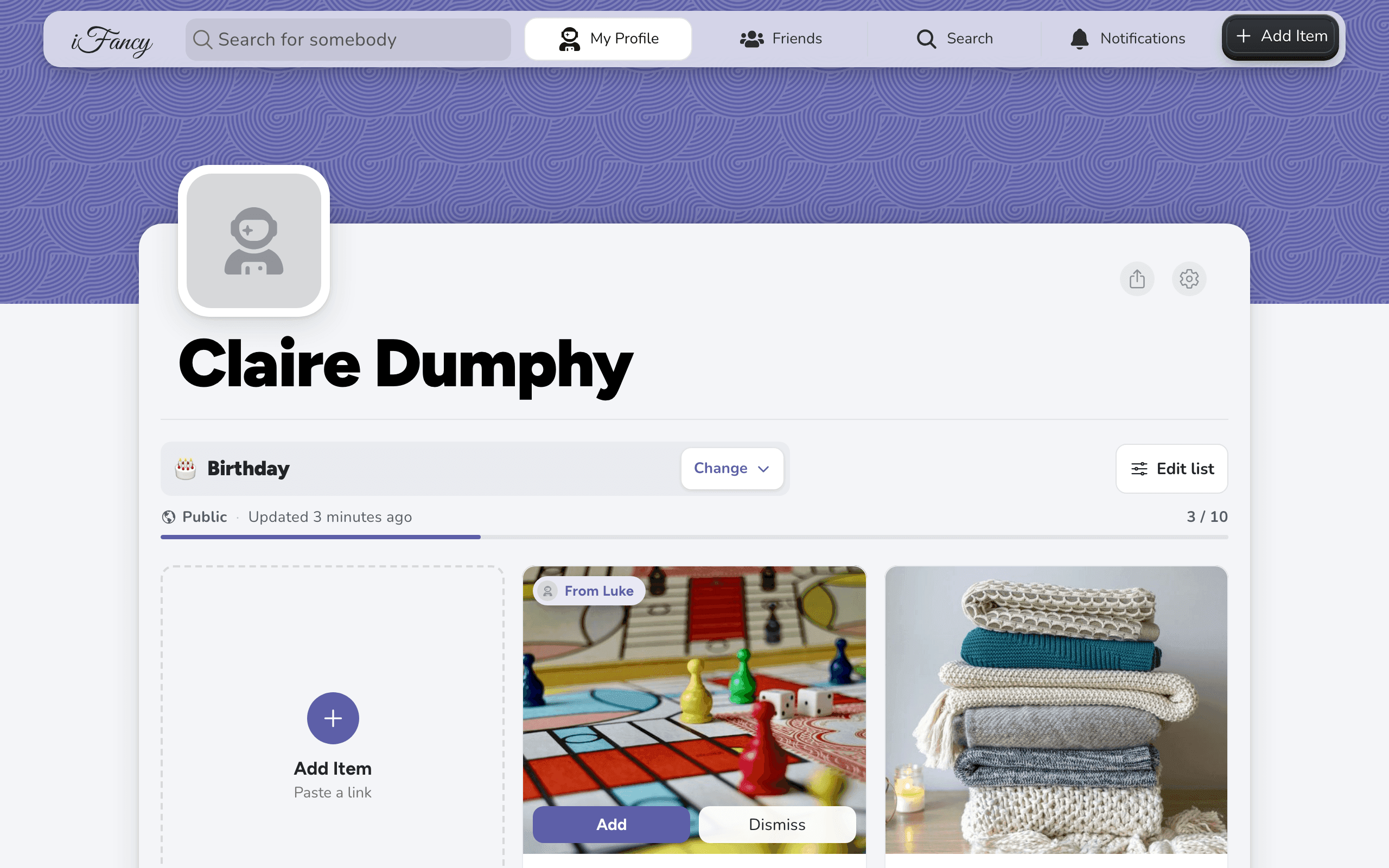
- Share your wishlist with anyoneTap the share button on your profile and send the link however you like.
- Make a list public, friends-only or privateEach list has its own visibility.
- Hide an item from specific peopleEach item can be visible to everyone who can see the list, only to people you pick, or only to you and anyone you share the list with.
- Stop people finding you in friend searchTurn off "Show Me in Friend Search" in Settings and nobody can find your profile by searching inside iFancy.
- Show a wishlist in Google, or keep it outEach public list has a "Show in Google" switch, which is off unless you turn it on.
New to iFancy?
Make a wishlist in a minute
Free and ad-free. Paste a link from any shop and share your list with anyone.