
Christmas wishlist
Make a Christmas wishlist everyone can actually use
Add gifts from any shop, share the list with one link, and let family mark things off so nobody doubles up — while Christmas morning stays a surprise for you.
Free · No ads · Works in any browser
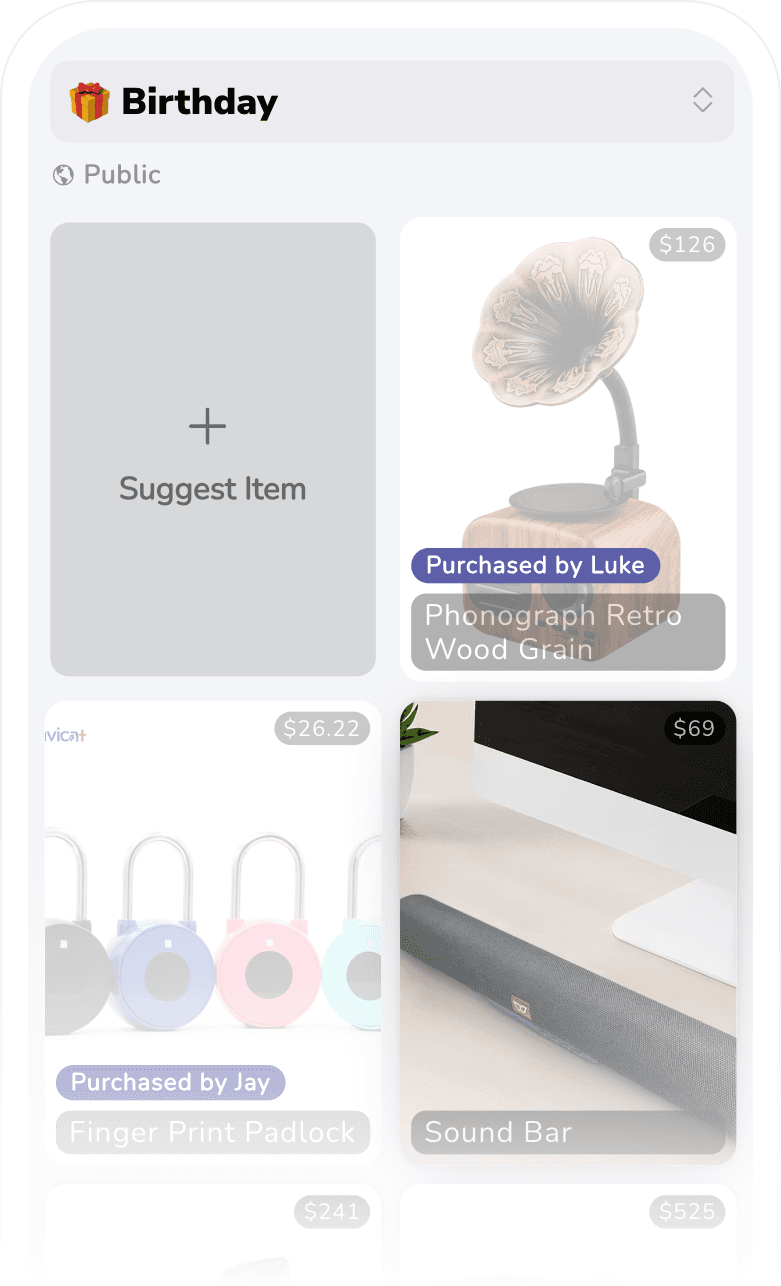
Getting your list ready
- 1
Make a Christmas list
Keep it separate from the rest of your lists so it is easy to share and easy to clear out in January.
- 2
Fill it by pasting links
Anything from any shop. iFancy pulls the picture, name, and price so the list is easy to skim.
- 3
Send it round in November
One link works for everyone, whether or not they use the app. Add to the list as you think of things.
The duplicate-present problem
Christmas is the occasion where duplicate gifts happen most, because more people are buying for the same person at the same time, mostly without talking to each other. The usual fix is a group chat where someone announces what they have bought — which works, right up until the recipient reads it.
A shared list solves the coordination problem properly. Everyone buying sees what is already claimed. You see only the list you wrote.
Lists for the whole family
Christmas usually means several lists at once: one for you, one per child, maybe one for the dog. You can keep them all separate with their own visibility settings, and share a partner-collaborated list so you are both adding to the same place instead of texting each other links.
Ideas worth adding early
- The expensive thing you would never buy yourself — the one item most likely to get grouped together by several people
- Several cheaper options, so people with different budgets all have something to pick
- Sizes and colours in the item notes, which saves a round of awkward questions
- Anything from a small or local shop that no store registry would ever cover
After Christmas
Leftover items do not need retyping — move them onto a birthday wishlist or keep a running list all year. Plenty of people keep one general list going and only spin up a seasonal one in the autumn.
Christmas wishlist questions
- How do I make a Christmas wishlist?
- Create a list, name it something like "Christmas 2026", then paste product links into it. Set the list to public or friends-only and send the link to whoever is buying for you.
- How do I stop relatives buying the same present?
- When someone marks a gift as bought, everyone else sees it is taken — but you do not. That is what prevents duplicates without ruining the surprise.
- Can grandparents use it without installing anything?
- Yes. A public Christmas list opens in any web browser from a plain link. No account, no app, no password to reset on Christmas Eve.
- Can I make a Christmas list for my kids?
- Yes. You can keep separate lists for each child, and collaborate on a shared list with a partner so you are both adding to the same place.
- When should I share my Christmas list?
- Earlier than feels natural. People start buying in November, and a list shared in mid-December has already missed most of the decisions.
Get your Christmas list up before the shopping starts
Free to use, shareable with anyone, and built so the surprise survives until the day.