Change your name or photo
Updated Works onWebiPhone
Use the settings gear on your profile to change your name and profile colour, and tap your picture to change your photo. Changes show everywhere your profile appears.
How to do it
On your profile, click the settings gear, then Edit Name or Profile Color. Make the change and click Save.

To change your photo, click your picture, then Browse Files (or paste an image), and Save.
On your profile, tap the settings gear, then Edit Name or Profile Color. Make the change and tap Save.
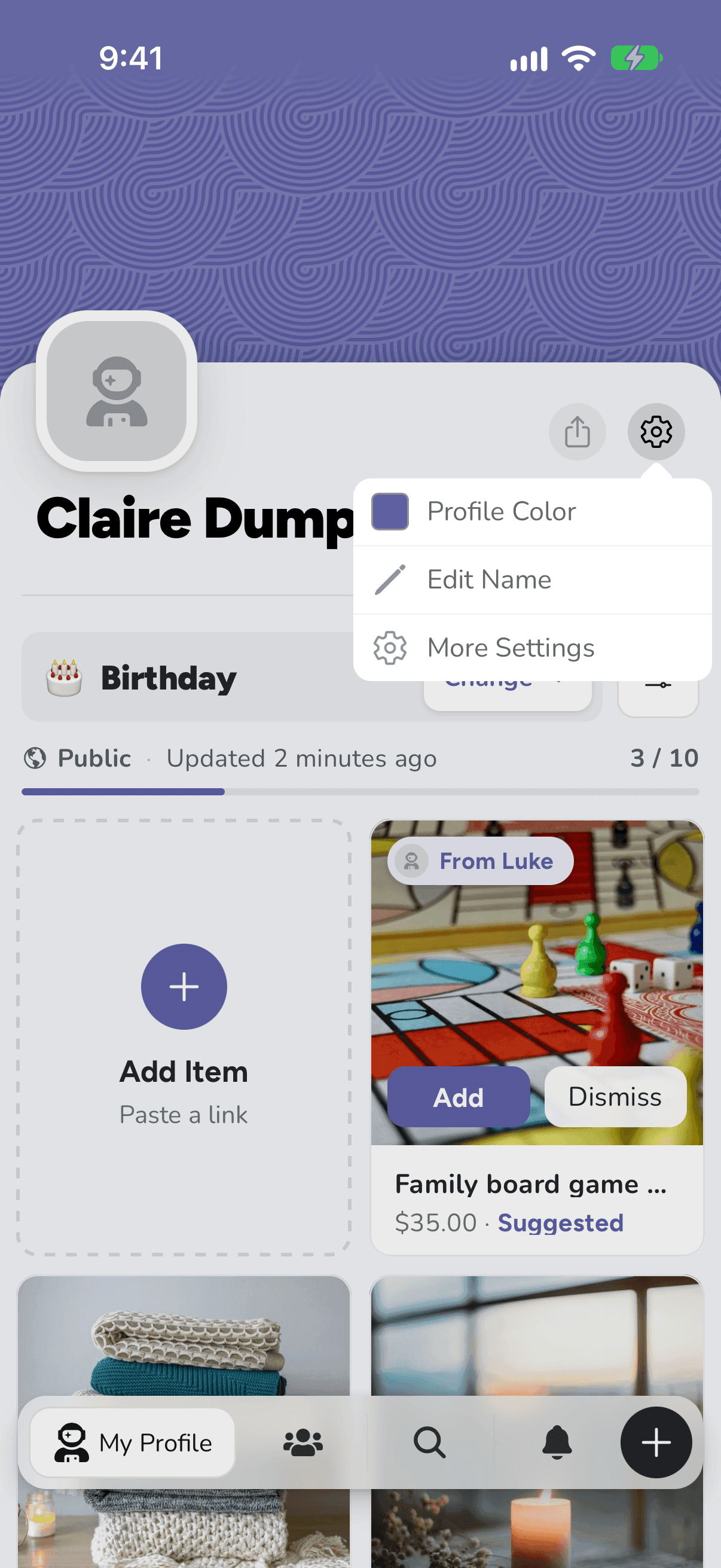
To change your photo, tap your picture, then Browse Files to choose one from your phone, and Save.
Related articles
Was this helpful?