Suggest an item for someone's list
Send a suggestion to a friend's list and they decide whether to keep it. Nothing joins their list unless they say yes.
You can suggest items to anyone you've added as a friend, while you're signed in.
How to do it
Open your friend's profile and the list you want to add to.
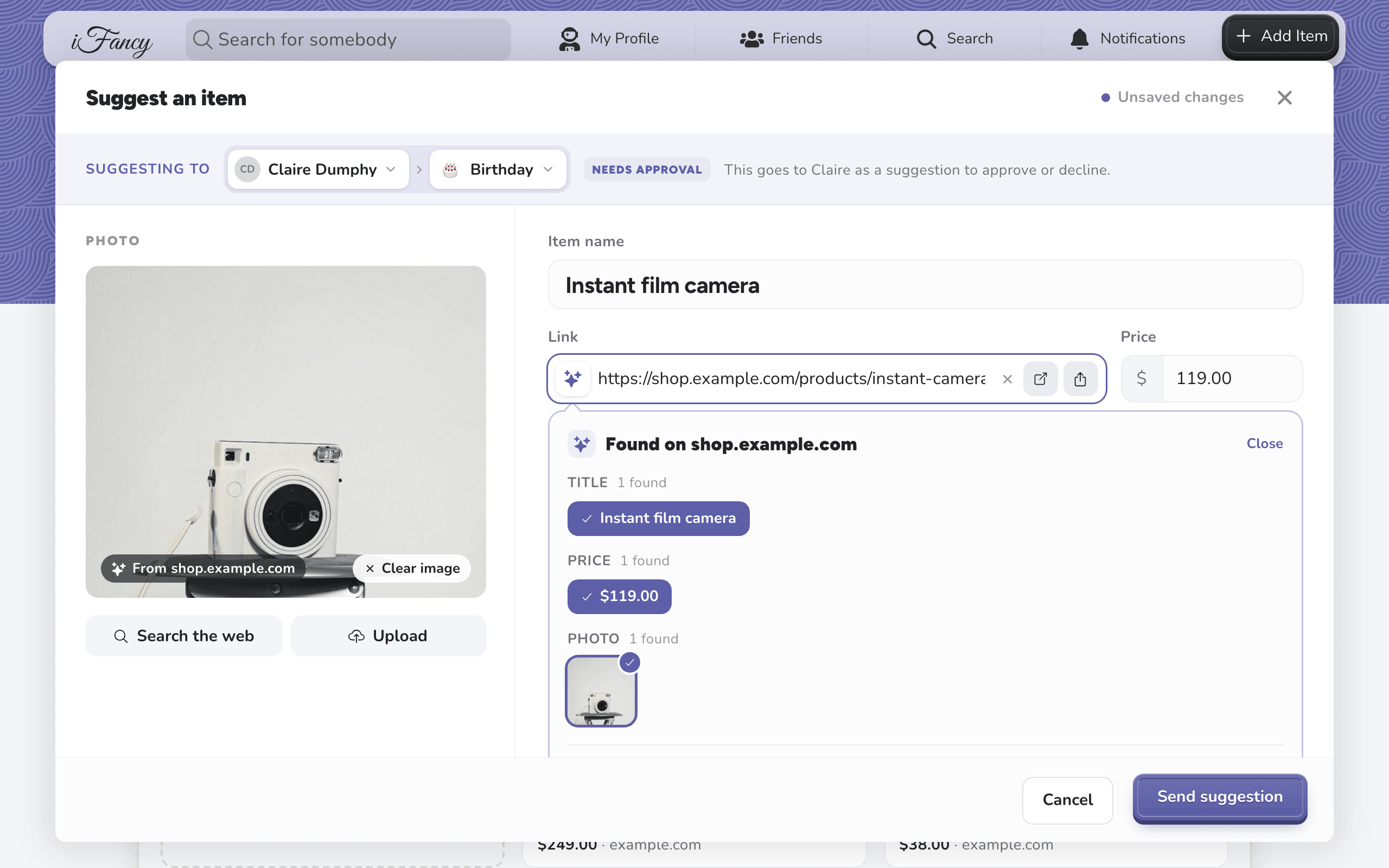
Click the Suggest Item tile, paste a link and click Fetch Data, then click Send suggestion.
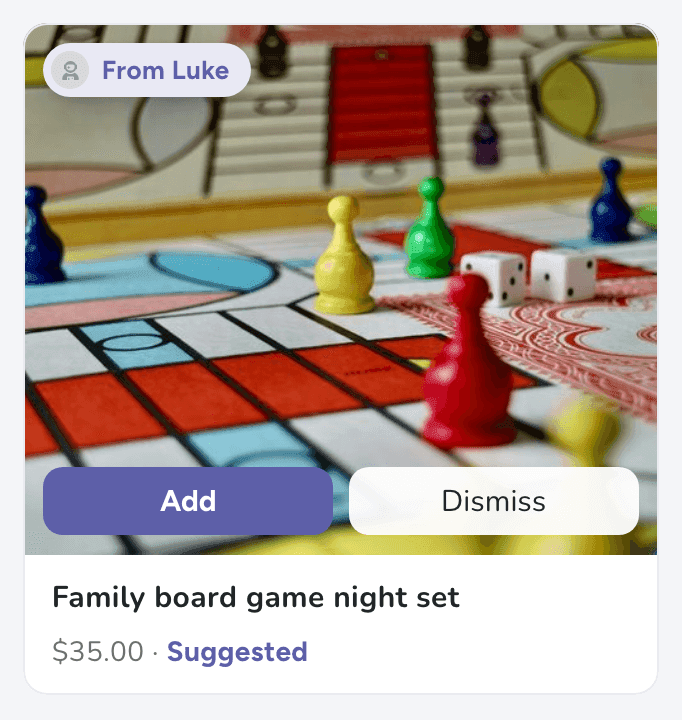
Your friend sees it at the top of their list, marked From you, and chooses Add or Dismiss.
Tap Friends at the bottom (the people icon), then your friend's name, and open the list you want to add to.
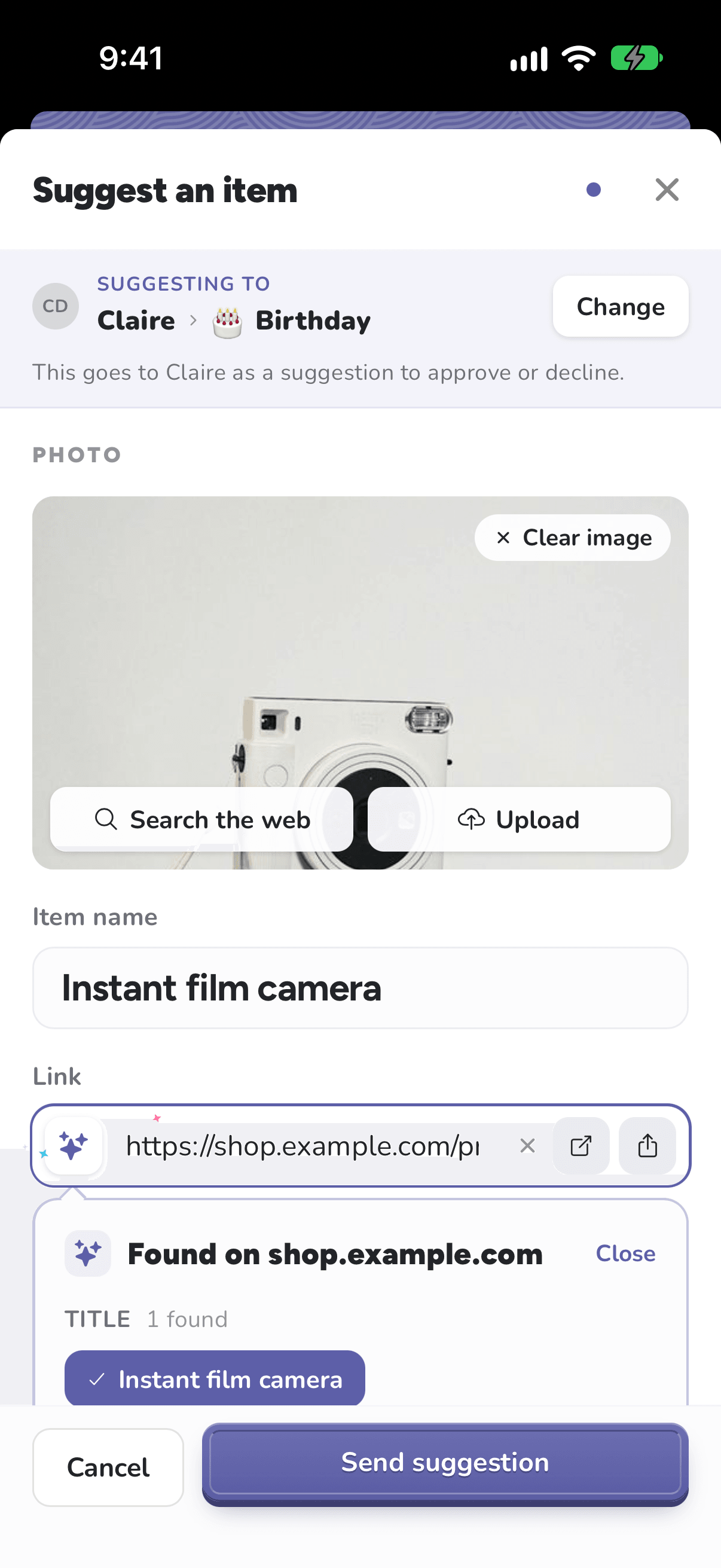
Tap the Suggest Item tile, paste a link and tap Fetch Data, then tap Send suggestion.
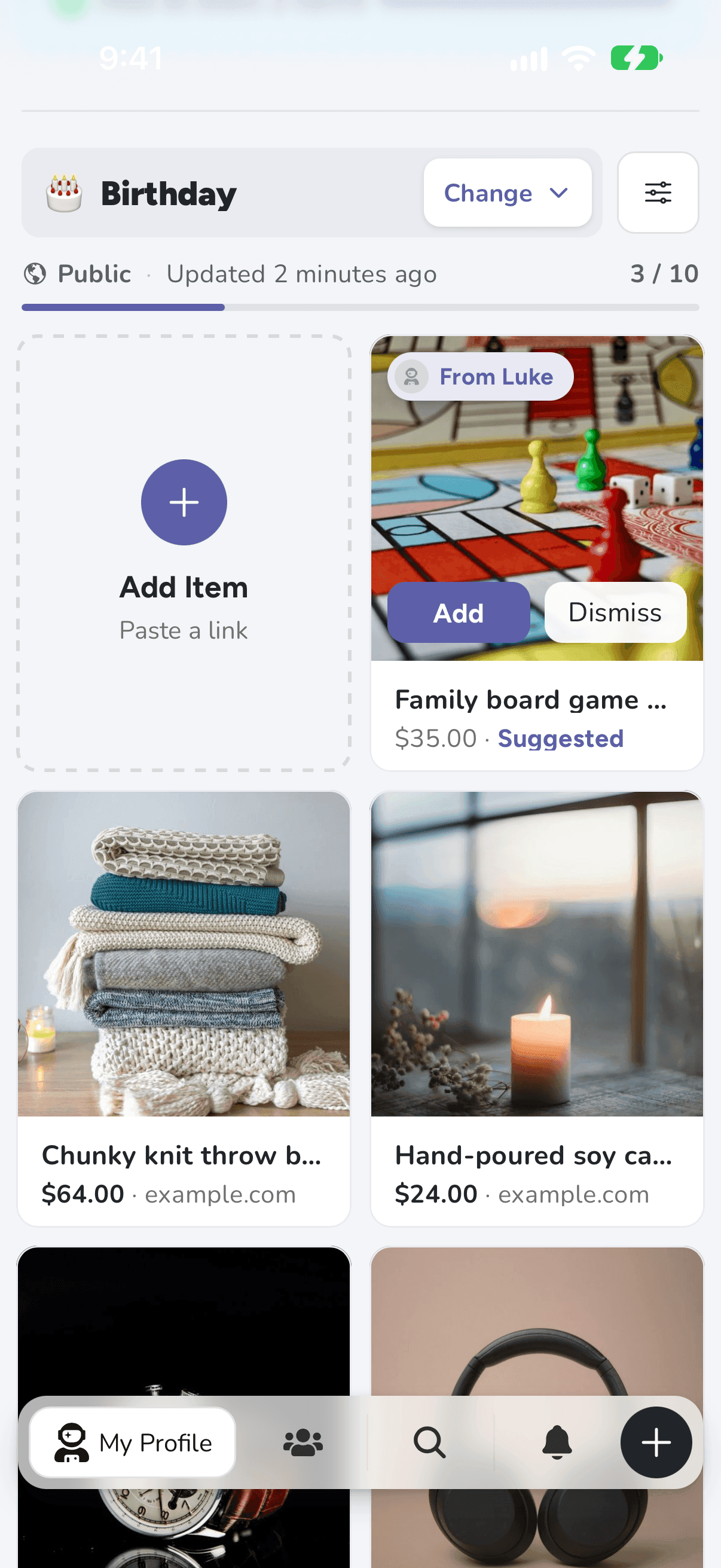
Your friend sees it at the top of their list, marked From you, and chooses Add or Dismiss.
Got a suggestion yourself? You can also answer it from Notifications, under Suggestions. You'll hear back when a friend keeps one of yours.